User settings
Click User settings in the left-hand menu.
Language
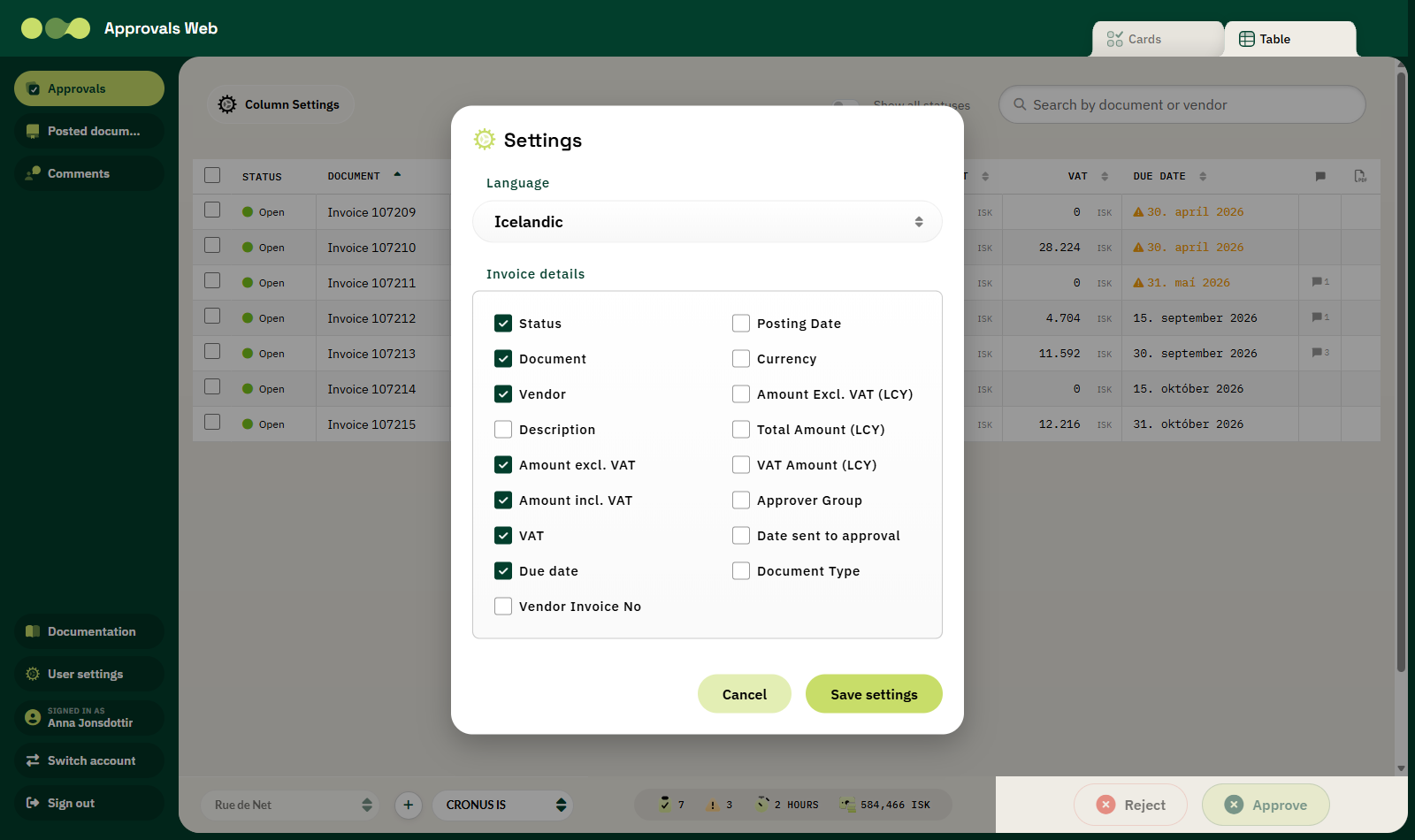
Choose Icelandic or English from the dropdown. When you save, the page reloads in the new language. The choice is stored in the browser for one year.
Numbers and dates
Amounts and dates are always displayed in Icelandic format (for example 13.950 and
30. apríl 2018), regardless of the interface language you choose.
Invoice details
Tick the details that should appear in the approvals list. These are the same columns as in Column settings, but without ordering and without dimensions.
| Field | Default |
|---|---|
| Status | ✔ |
| Document | ✔ |
| Vendor | ✔ |
| Description | |
| Amount excl. VAT | ✔ |
| Amount incl. VAT | ✔ |
| VAT | ✔ |
| Due date | ✔ |
| Vendor Invoice No | |
| Posting Date | |
| Currency | |
| Amount Excl. VAT (LCY) | |
| Total Amount (LCY) | |
| VAT Amount (LCY) | |
| Approver Group | |
| Date sent to approval | |
| Document Type |
Saving
Click Save settings to save, or Cancel to discard.
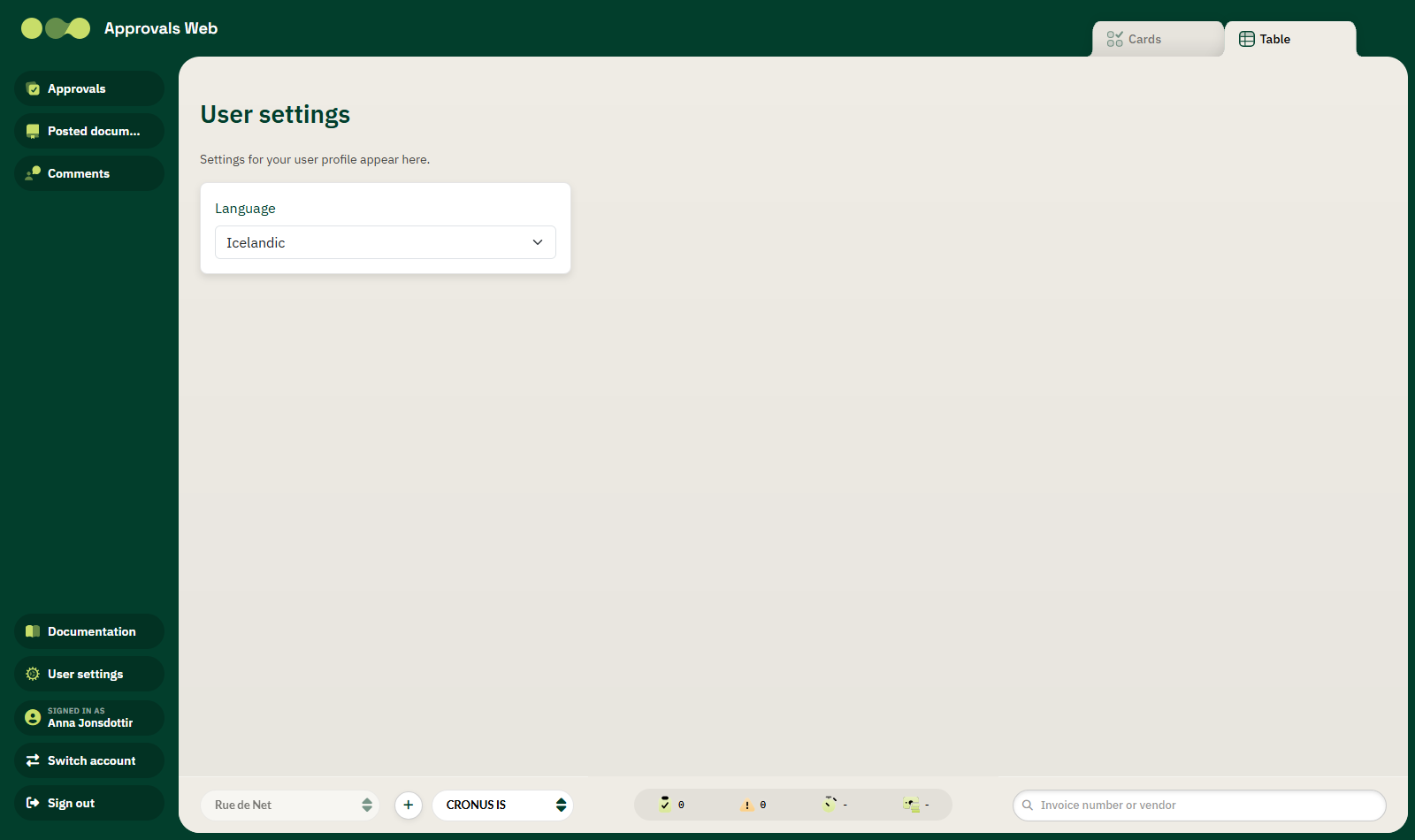
The User settings page
The address /usersettings opens a simple page where only the language can be chosen.