Bank Users
Set Up Bank Users:
Each Dynamics 365 Business Central user can easily set up their own bank user.
Cloud Sign-In
Open "Your RdN Bank Users", select "New" and follow the instructions.
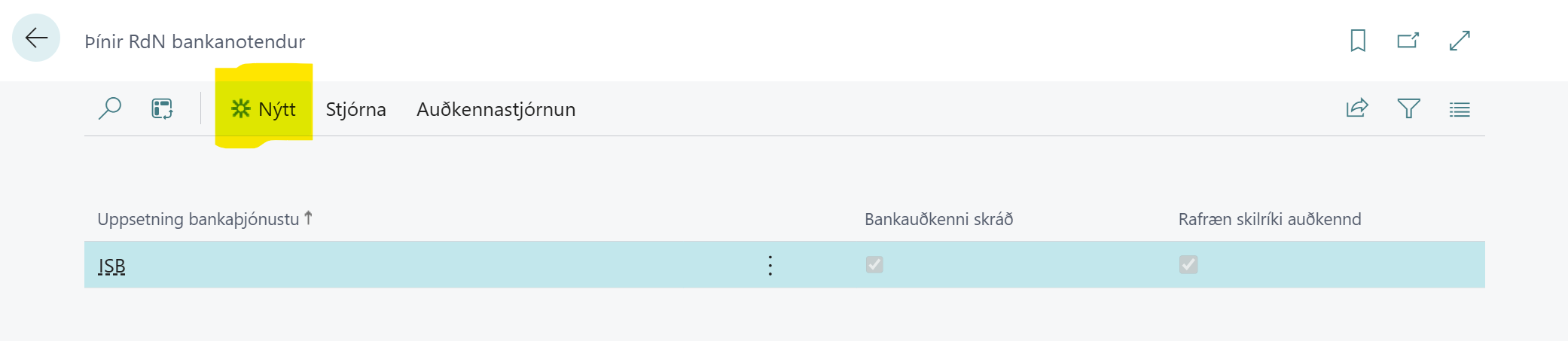
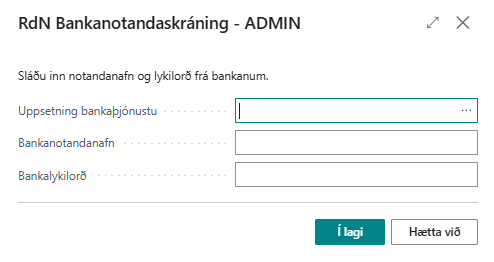
The user selects the bank service he has access to and then enters the username in the bank (same as he uses in home banking) and password. Subsequently, he selects "OK" and then receives a positive response.
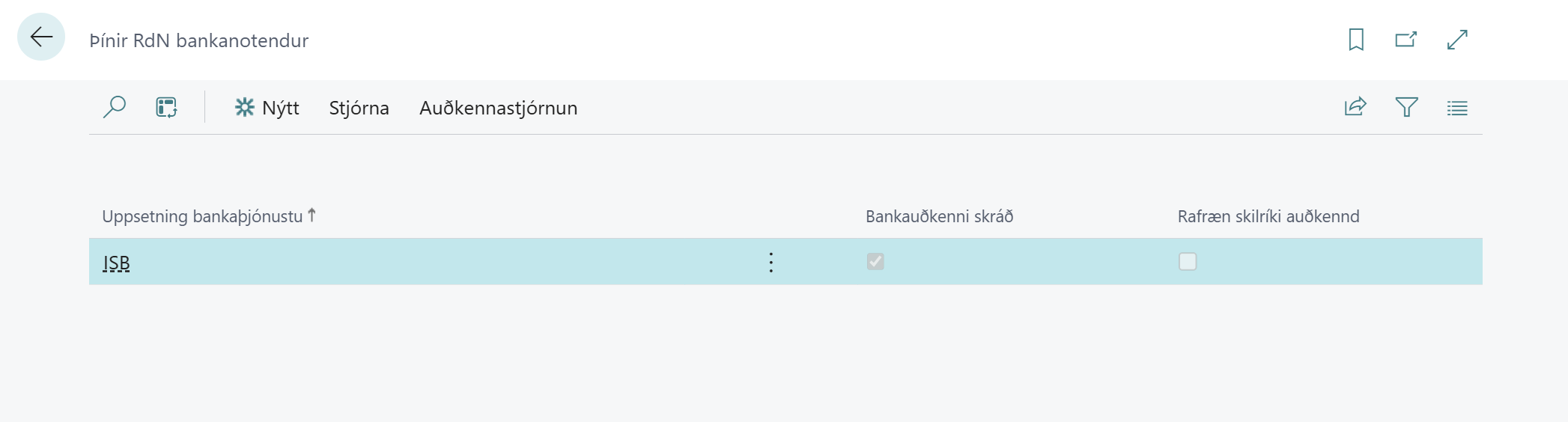
Then the registration looks like this in RdN Bank Users:
Electronic Credentials Sign-In
Electronic credentials sign-in is not a replacement for cloud sign-in. However, it is necessary for some bank operations such as receipts in accounting and credit card reconciliation at some banks.
We currently only support electronic credentials sign-in for Íslandsbanki.
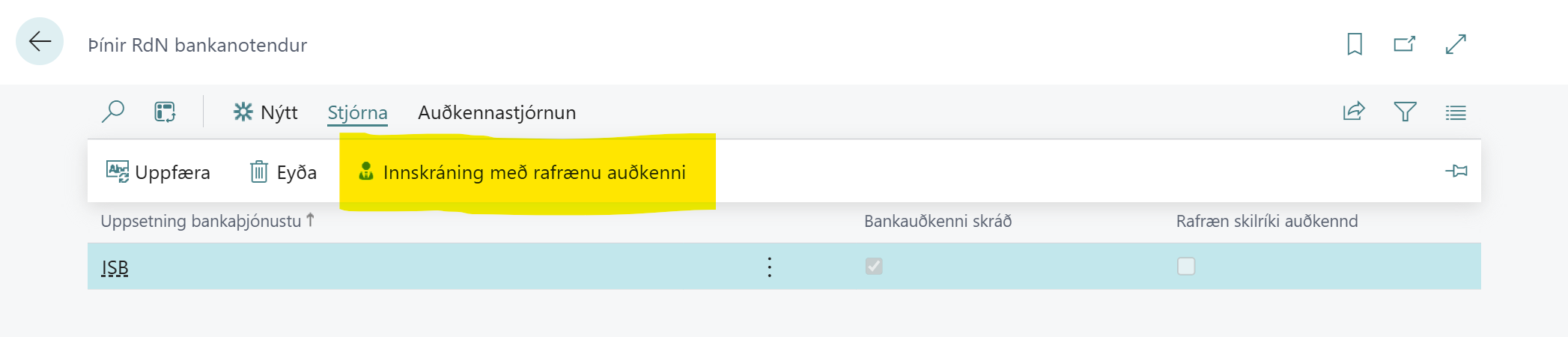
When the "Sign In with Electronic Credentials" action is clicked, a window opens where the user can enter their phone number.
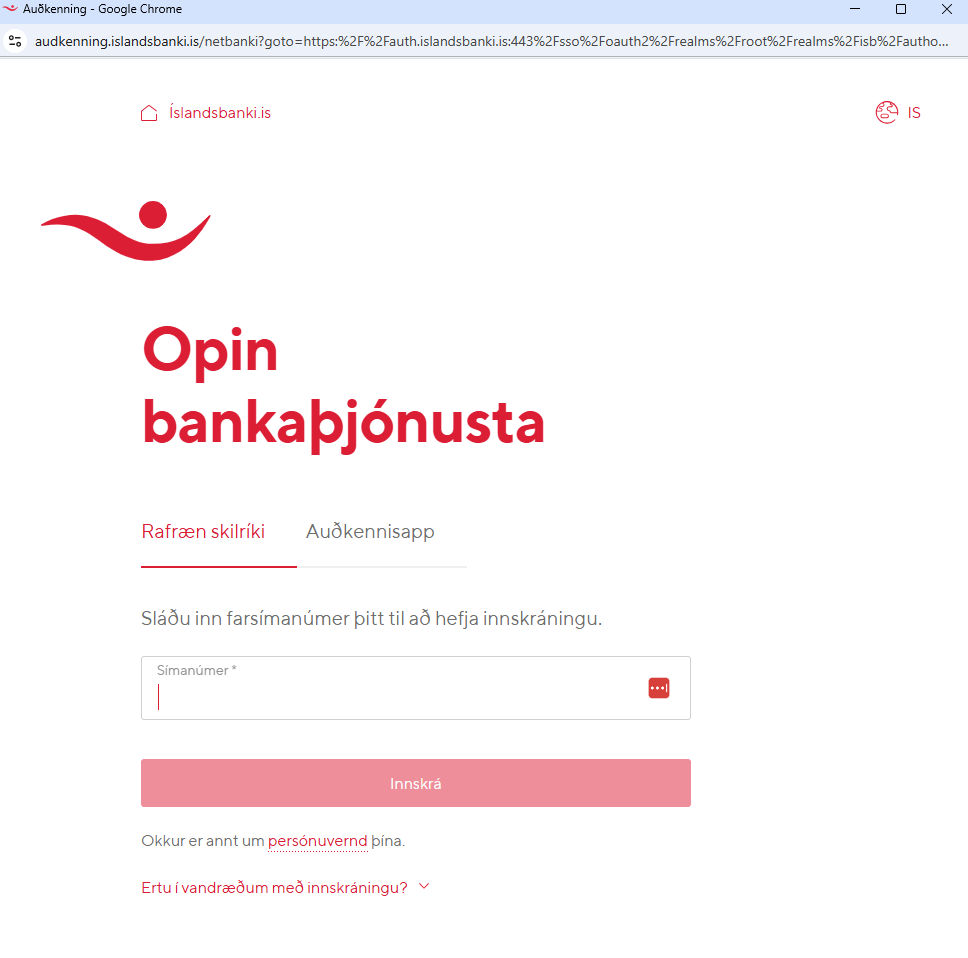
Here the phone number is entered and then the standard electronic credentials sign-in process is followed. When that process is complete, the user receives a new screen.
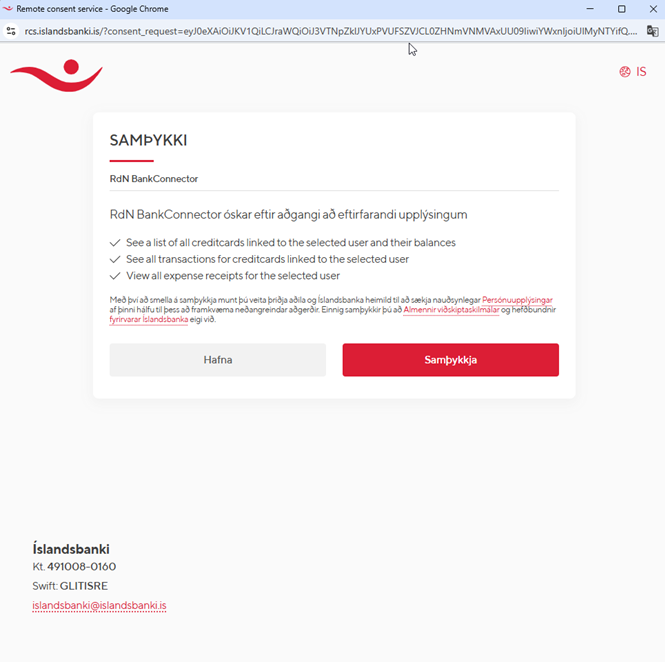
Here you should click "Accept"
When the window closes itself, the "Electronic Credentials Verified" field should be filled.
