Run Automatic Matching
The action automatically matches bank transaction entries from the bank with bank entries in Microsoft Dynamics 365 Business Central according to a rule set up in Setup - Reconciliation.
The general rule is that entries are matched automatically if they have the same amount and the same posting date. If the maximum allowed date difference in Setup - Reconciliation is, for example, 3D, then the system can automatically match entries that have the same amount and a posting date within 3 days.
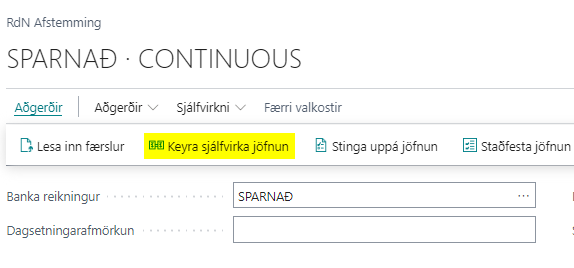
This action is run under RdN Reconcile -> Actions, and there under Run Automatic Matching.
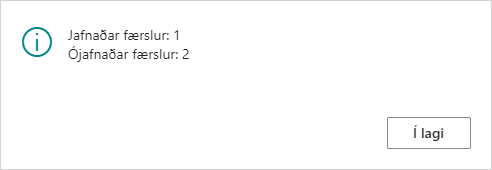
The system then shows a message indicating how many entries were matched automatically.
Automatic matching can also be run for a specific period. See a more detailed description here.