Open Electronic Document
You can open an electronic invoice from:
- Sales invoice
- Posted sales invoice
- Posted sales credit memo
- Service invoice
- Posted service invoice
- Posted service credit memo
- Purchase invoice
- Posted purchase invoice
Let’s take a purchase invoice as an example
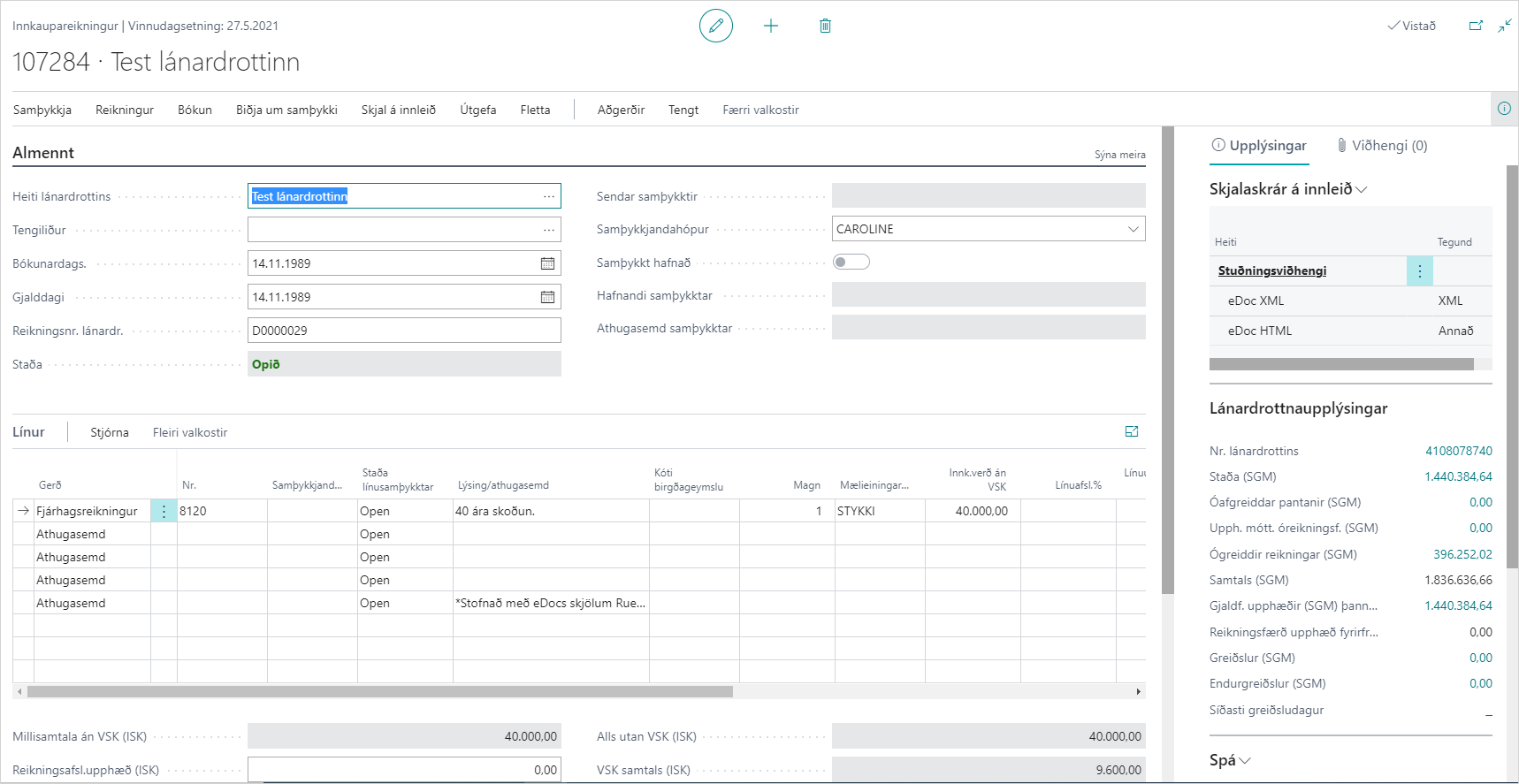
Related
Electronic invoice:
Opens the electronic document that originated from the purchase invoice.
The keyboard shortcut is Ctrl + E. See a more detailed description here.
View electronic document on the web:
Downloads the electronic document, which can be opened in a browser.
The keyboard shortcut is Ctrl + Shift + E.
Actions (Posted Sales Invoice)
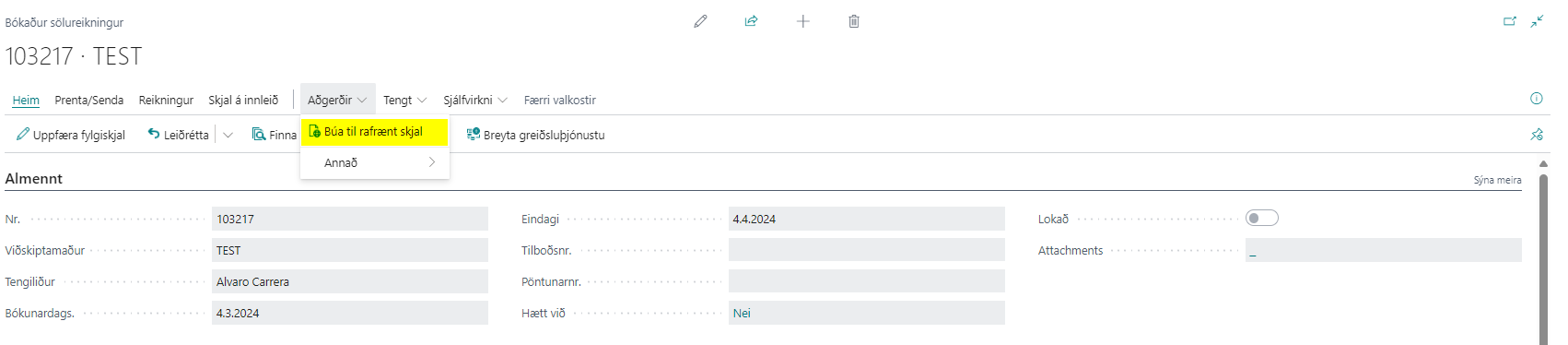
Create electronic document:
Creates an electronic document for a posted sales invoice. If the customer is not registered for electronic documents, the user is offered the option to open the customer card to register the customer for electronic documents and then try again to create an electronic document.