Environments and companies
The Approvals Web can retrieve data from more than one Business Central company. The selection is made in the bottom bar.
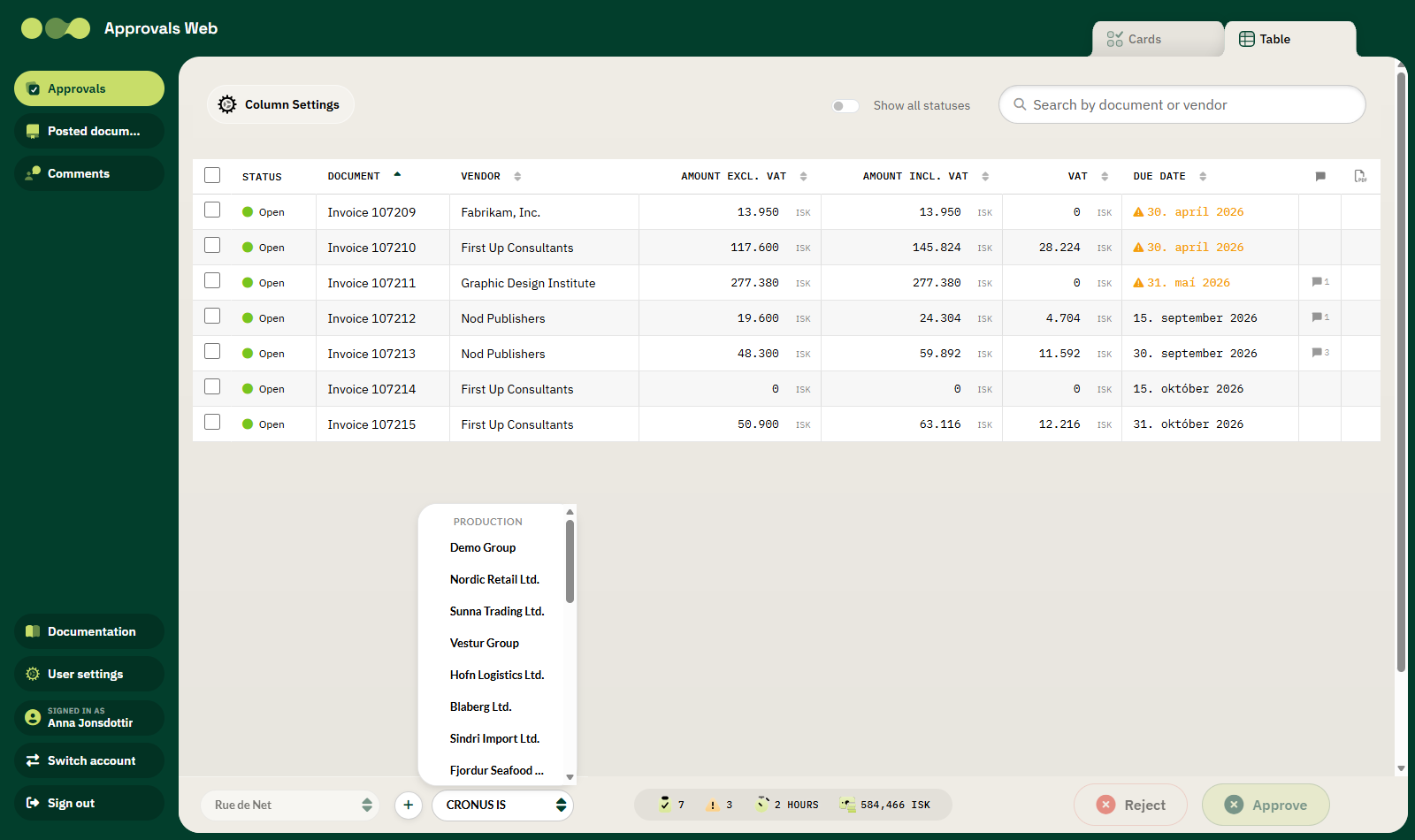
Three layers
| Layer | Description |
|---|---|
| Microsoft tenant | Your organisation's Microsoft Entra ID tenant. Most users have only one. |
| Environment | A Business Central environment, for example Production or Sandbox. |
| Company | A company within the environment, for example Rue de Net ehf. |
Switching company
- Click the company button in the bottom bar.
- The list that opens is grouped by environment. The heading (for example PRODUCTION) shows the environment, and the companies in that environment are listed below it.
- Click the company you want to work in.
The list clears immediately and new data is retrieved for the selected company. Your choice is remembered for next time.
Locked while an invoice is open
You cannot switch environment or company while an invoice is open. Go back to the list first.
Switching Microsoft tenant
If you have access to more than one Microsoft tenant, a selector appears on the left of the bottom bar.
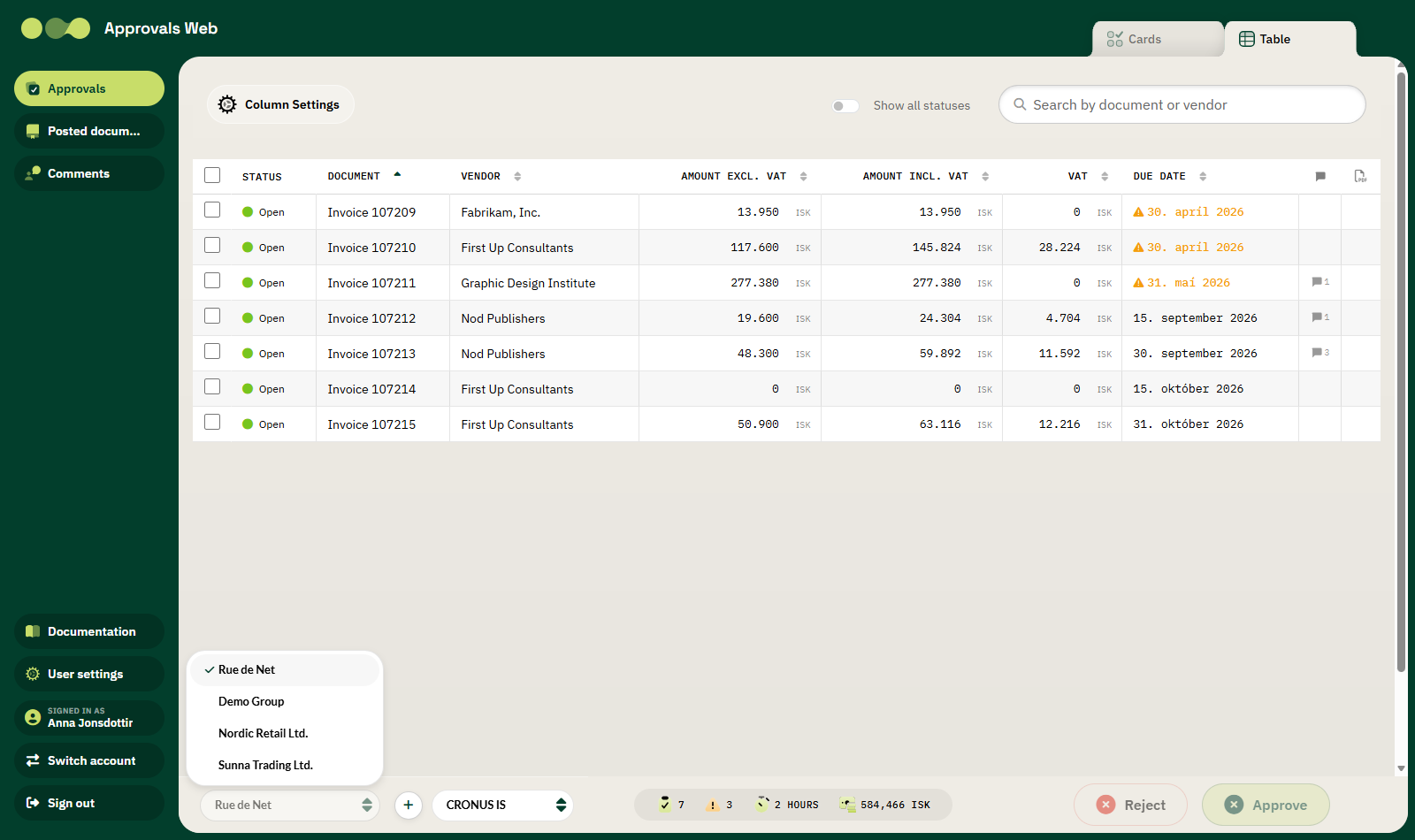
If only one tenant is available the button is disabled.
See also Adding a Microsoft tenant.
If nothing appears
| Message | Meaning |
|---|---|
| No Business Central environments were found for this tenant. | No access to Business Central in this Microsoft tenant. |
| Company not set up for Approvals web | Rue de Net Approvals is not enabled in this company. |
| Access to Business Central was denied… | The user lacks permissions in Business Central. |
See Troubleshooting for details.