Job Queue Entry
A job queue can be set up so that importing and exporting electronic invoices is automated.
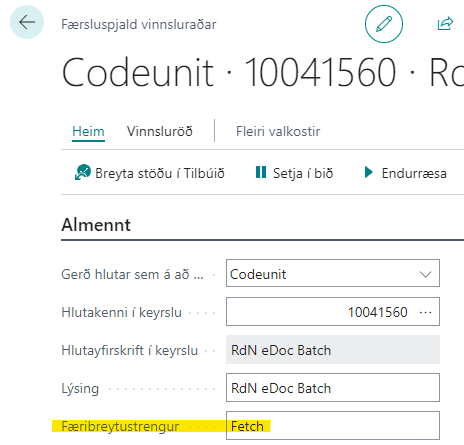
A new job queue entry is created for a codeunit, and the object ID to run is number 10041560 for the AppSource version.
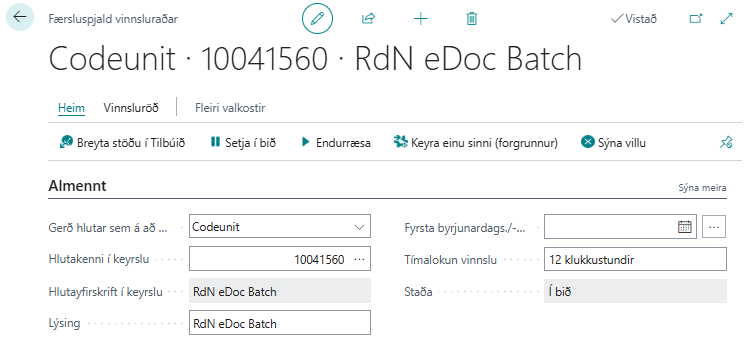
The job queue then regularly performs export, import, and registers documents in NAV. This means that only invoices with errors should remain open in the eDoc Worksheet.
In addition, "Automatic Processing on Delivery Site" must be selected for the automatic run to work. See a more detailed description here.
If you want to split the run into more detail, the functionality can be limited with a parameter string on the job queue. Possible values are "fetch" if only documents should be retrieved and "send" if only documents should be sent. This run can also update Unimaze message statuses if Unimaze message brokering is in use. In that case, the parameter unimazestatus is used. More than one parameter can be set in the same job, for example one job that retrieves (fetch) and one that sends and updates statuses (send;unimazestatus). A semicolon between them is unnecessary.