Assisted Setup for Electronic Invoices
Assisted setup speeds up the setup of electronic invoices by preconfiguring many fields and preparing them for the user to select.
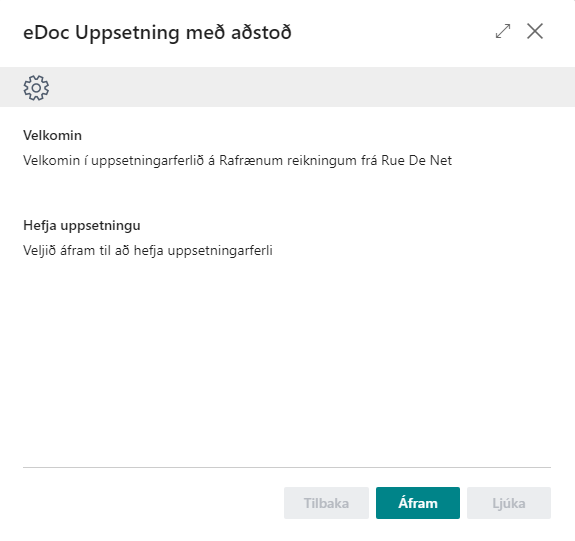
| Step / Field | Description |
|---|---|
| Delivery Site Setup | Set up all delivery sites required to receive and send documents. |
| Electronic Invoice Settings | Select the rounding G/L account and default posting description. 8640 and Standard are the default values. |
| Separate Number Series for Electronic Invoices | Define whether number series for electronic and traditional invoices should be separated. |
| Invoice No. Series | Number series for purchase invoices if a series from purchasing setup is not used. |
| Posted Invoice No. Series | Number series for posted purchase invoices if a series from purchasing setup is not used. |
| Credit Memo No. Series | Number series for purchase credit memos if a series from purchasing setup is not used. |
| Posted Credit Memo No. Series | Number series for posted purchase credit memos if a series from purchasing setup is not used. |
| EDI Setup | Enter the X400 postbox and distributor for EDI deliveries. 'SKOT-UT' is the default value. |
| Summary | Overview of the setup. Select Finish when everything is ready. |