Drag and Drop
This action is only visible if the Drag and Drop system is set up together with Approvals.
By choosing this action, a window opens where multiple documents can be dragged at once from a folder or email. The documents are then added to Incoming Documents and are also visible in the scanned image list.
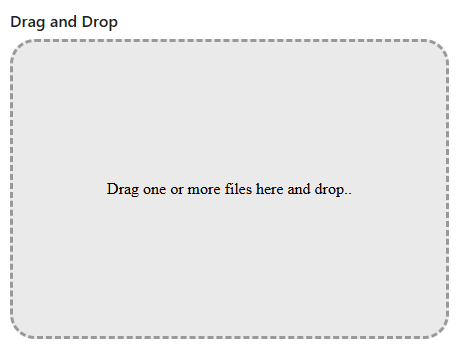
New documents imported:
Shows the number of documents that have been imported. If you click the number, Incoming Documents opens.