Change Password on the Approval Portal
Approvers who have access to the Approval Portal are assigned a user name and password. See more details here.
The approver signs in to the web portal. See more details here.
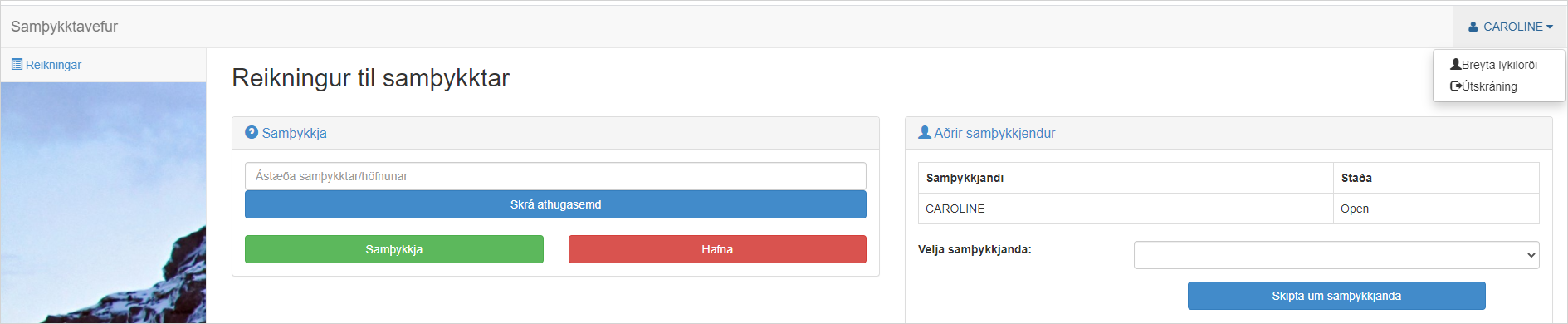
When the approver is signed in, the approver can click their user name on the web portal and choose Change Password.
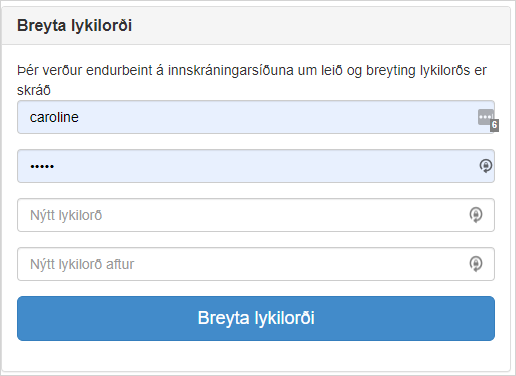
The password can be changed by entering the current user name and password and a new password.