Customer Card
Electronic documents must be configured on the customer card so that sales invoices and credit memos can be sent electronically to customers. This is done on the "Electronic Documents" FastTab on the Customer Card.
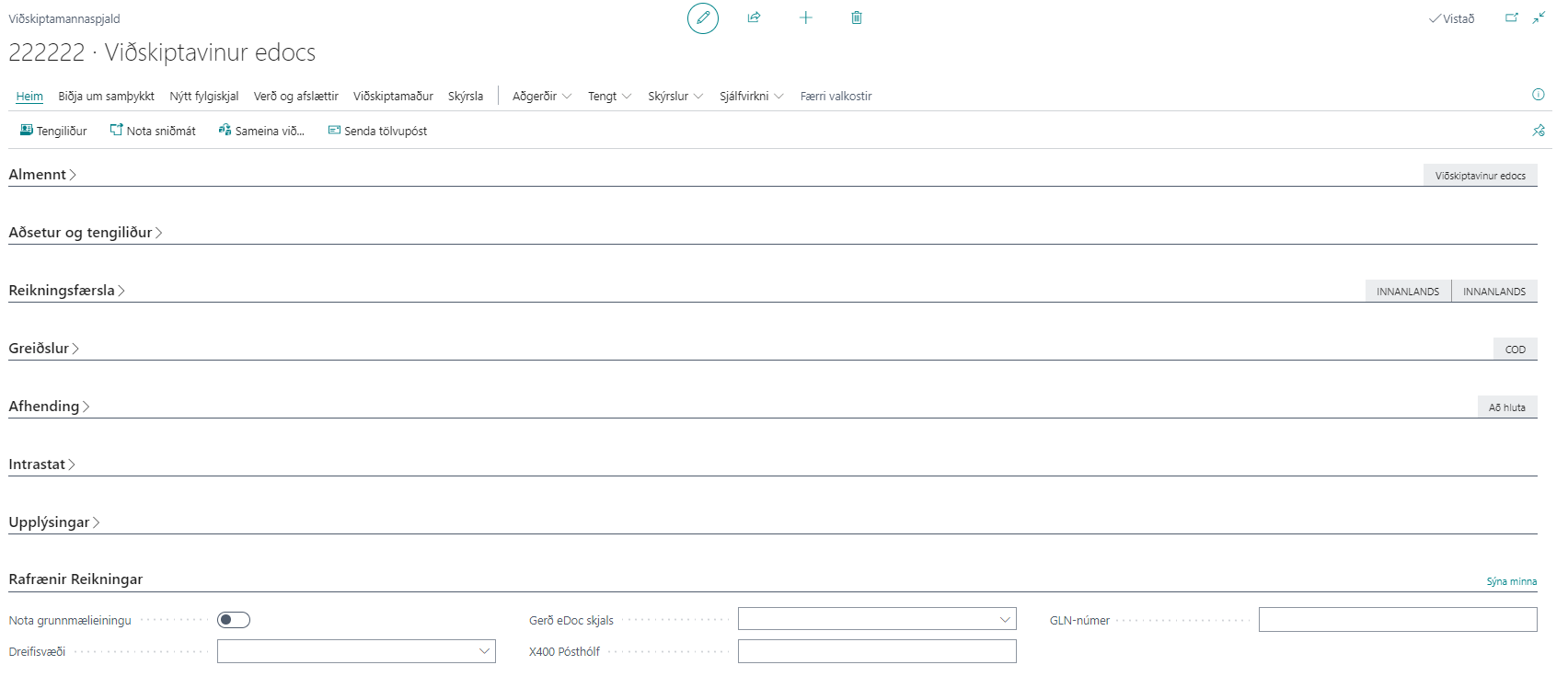
| Field / Setting | Description |
|---|---|
| Use Base Unit of Measure | If selected, the standard base unit of measure (PCE for EDI, C62 for BII) is set on all invoice lines for this customer. If not, unit of measure mappings are used (for example, KG becomes KGM in BII/EDI invoices). |
| Delivery Site | Select the Delivery Site to send electronic documents to the customer. If the field is empty, no electronic invoice is sent. |
| eDoc Document Type | Select the standard to use for sending electronic documents to the customer. Can be BII, NES, or EDI. |
| X400 PostBox | Enter the customer's X400 postbox. Only used for EDI communication. |
| GLN-Number | Only used for EDI communication; the EAN identifier is entered in this field. |
| Fallback E-Mail | Email address used as a fallback delivery method when the Delivery Site uses the JSON Metadata (REST) sending mode. The invoice is then sent directly to the email address if the party cannot receive electronic documents. If the field is empty, the standard Email Address on the customer card is used and is automatically filled into the field. At least one of these fields must be filled in for JSON metadata. |
Actions
| Action / Description | Explanation |
|---|---|
| Generate Electronic Invoices | Opens the action for generating electronic invoices retrospectively. More |
| Electronic Invoice Register | Opens the eDoc Worksheet filtered to the customer's electronic documents. Shortcut: Ctrl + E. More |
Delivery Site Assignment
On the Customer List under Home, the Check and Assign Delivery Site action verifies whether customers can receive electronic documents and offers assignment of a Delivery Site directly based on the results. More