Register Document in NAV
When an electronic invoice/order has been received in the worksheet, the document can be registered in NAV.
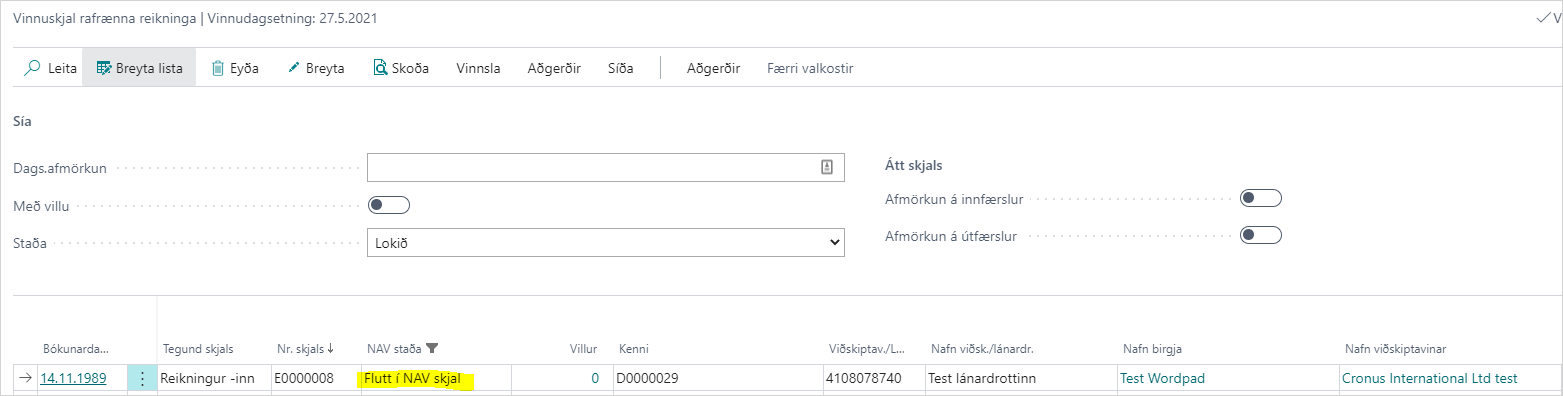
1. Electronic invoice/order in the worksheet after the NAV document has been created:
The status of the electronic invoice/order changes to "Transferred to NAV Document", and the invoice/order moves under "Completed" in the worksheet.
2. Open the purchase invoice/sales order:
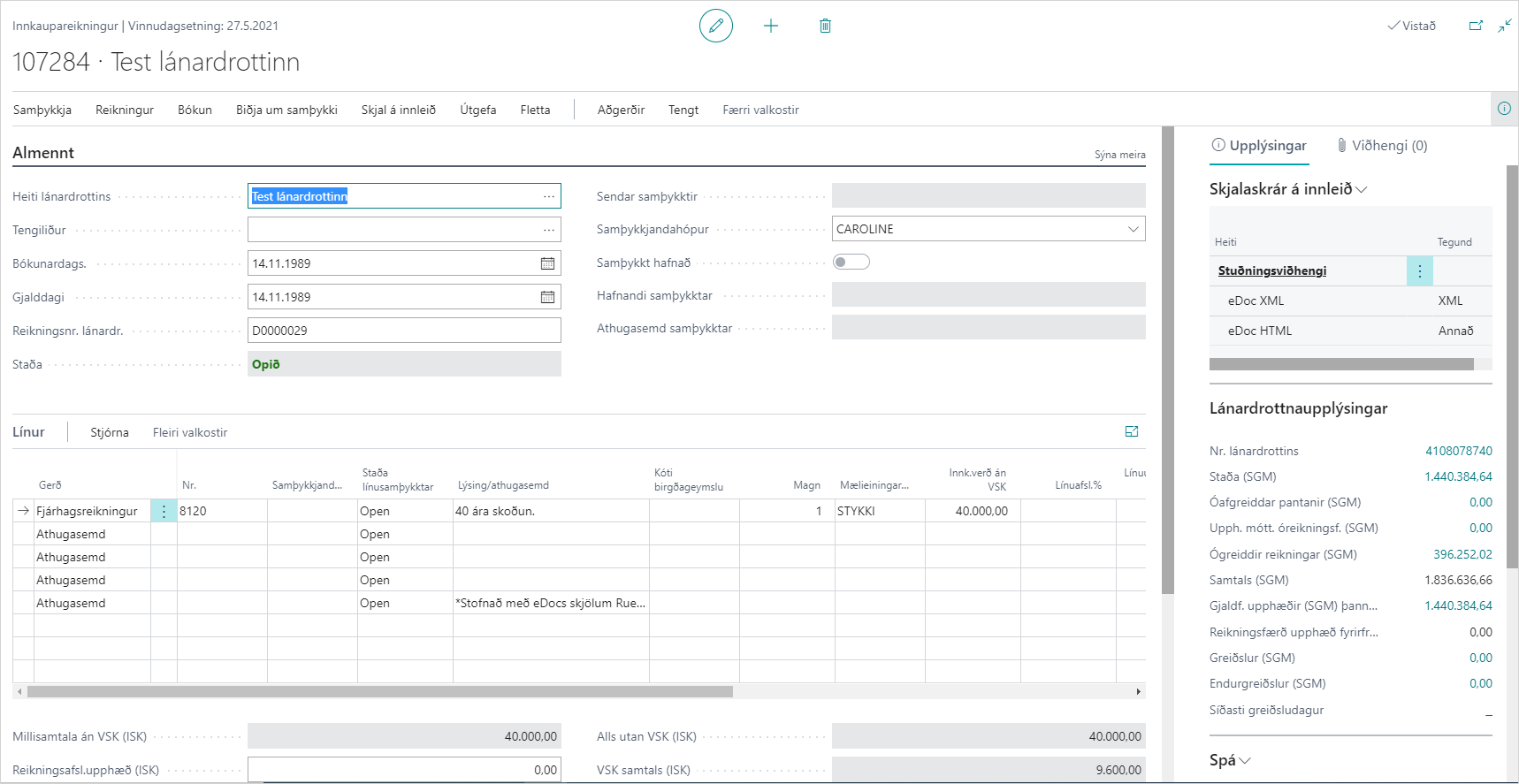
The purchase invoice/sales order has been created.
In the information box for incoming document files, you can view the HTML document that accompanies electronic invoices, along with other attachments.
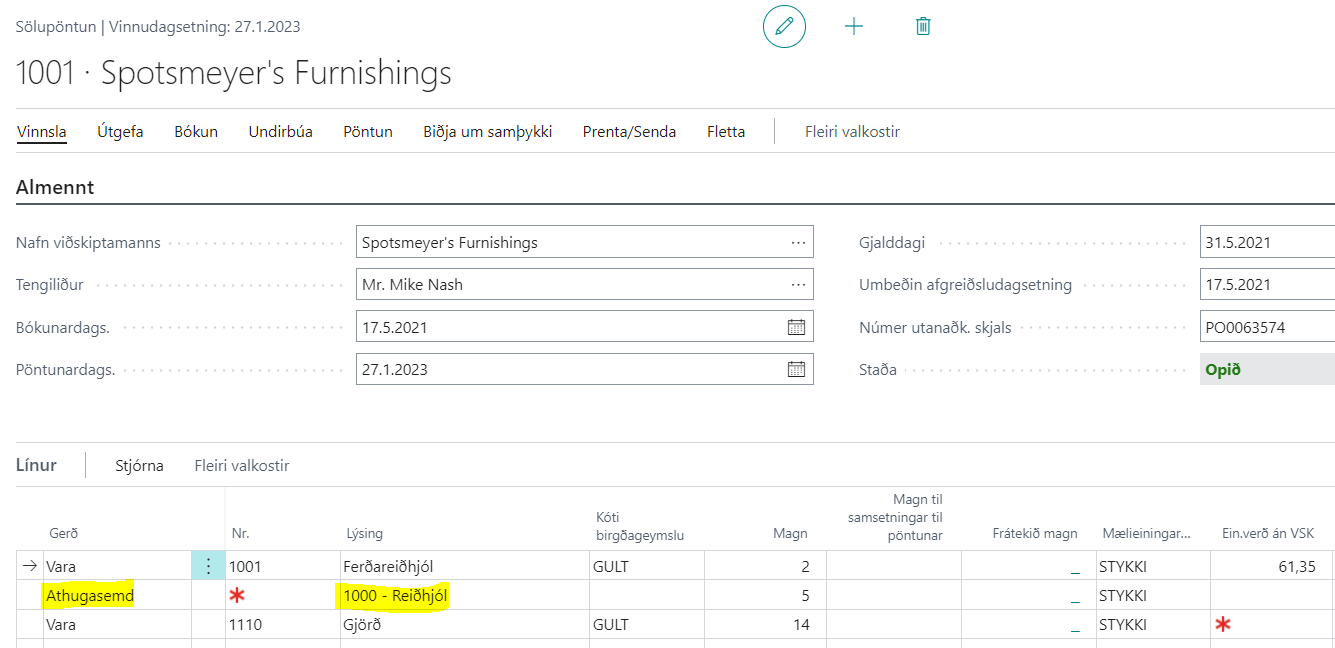
If an item number used in the mappings is blocked, a comment is registered on the invoice line/sales order, and the item number is shown in the description.
Under Related - Electronic Document, you can open the electronic invoice.
You can now review the invoice/order and send it for approval and/or post it.