Dashboard
The dashboard is a central overview page that provides a quick summary of synchronization status, pending operations and job queue entry status. To open the dashboard you can search for "SQL Connector Synchronization Overview" or assign the user the "SQL Connector Synchronization Administrator" role and go to the home page.
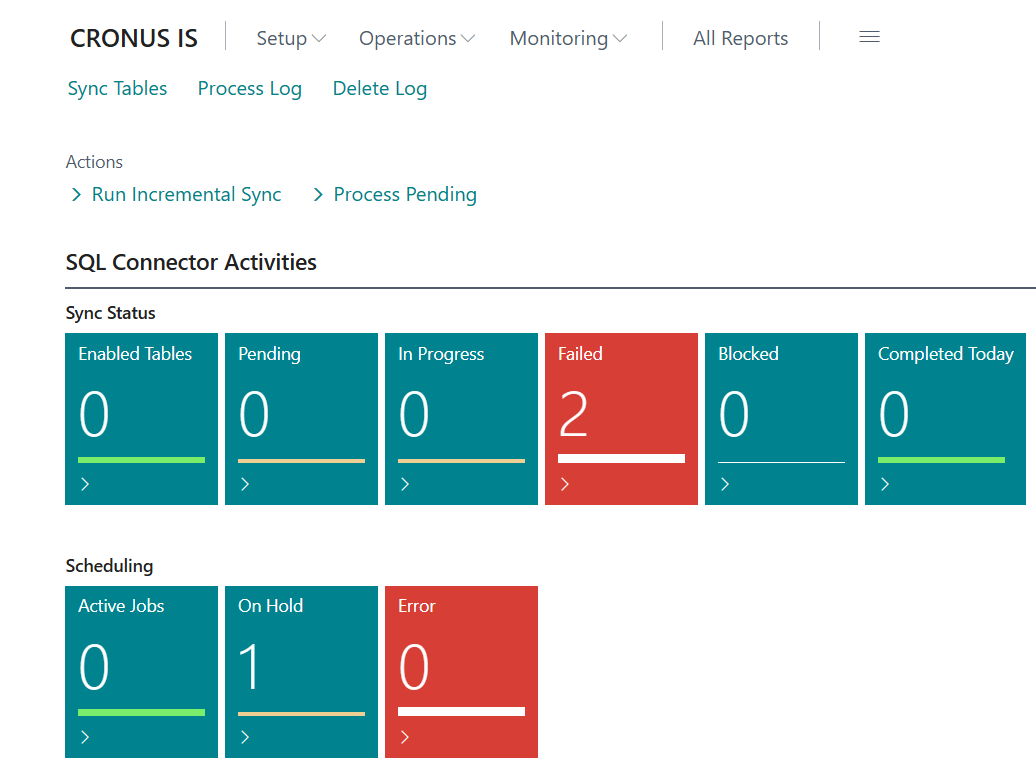
Synchronization Status
The dashboard displays status figures that give a quick overview of how the synchronization is going:
| Metric | Description |
|---|---|
| Enabled tables | Number of tables that have been set up for synchronization and have Enabled checked |
| Pending | Processing log entries awaiting dispatch that will be processed in the next synchronization |
| In progress | Processing log entries currently being dispatched |
| Failed | Entries that failed during dispatch |
| Blocked | Processing log entries blocked because a prior entry for the same package failed |
| Completed today | Entries completed successfully today |
Click on a tile to open the corresponding filter on the processing log or table list page.
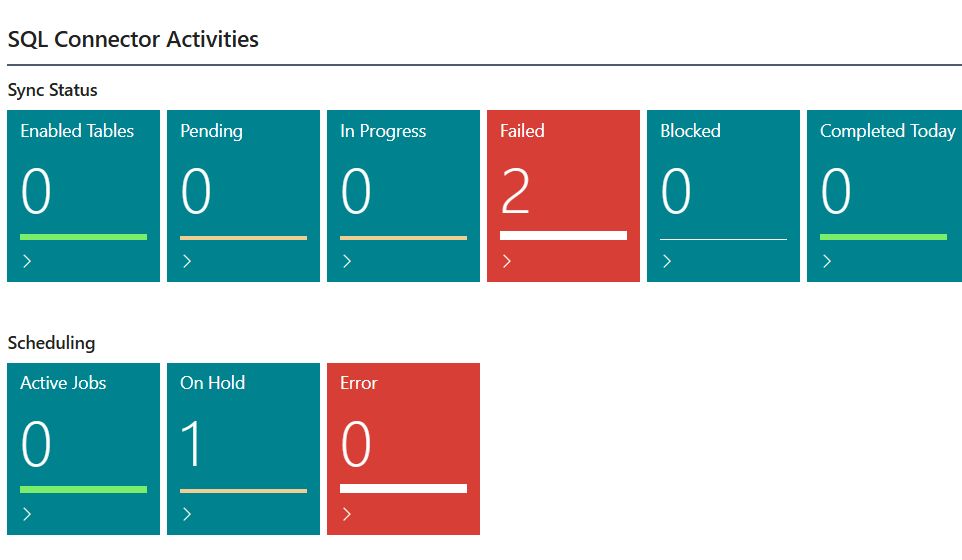
Job Queue Status
Under automation you can see the status of job queue entries:
| Metric | Description |
|---|---|
| Active jobs | Job queue entries in Ready status |
| On hold | Job queue entries that are on hold |
| Error | Job queue entries in error status |
Clicking on the tiles opens a page that facilitates setting up the job queues.
Quick Actions
The dashboard has two quick actions that can be run directly:
| Action | Description |
|---|---|
| Run incremental synchronization | Scans all active tables for changes and queues data packages in the processing log |
| Process pending entries | Sends all pending processing log entries to external servers |
Menu

From the dashboard you can navigate directly to all main SQL Connector pages through the menu:
- Setup
- Server setup: connection settings for external servers
- Assisted setup: wizard for first-time setup
- Actions
- Automation: job queue entries and scheduling
- Monitoring
- Processing log: queue and audit list of dispatches
- Deletion log: overview of deleted and renamed entries