User Setup for Web
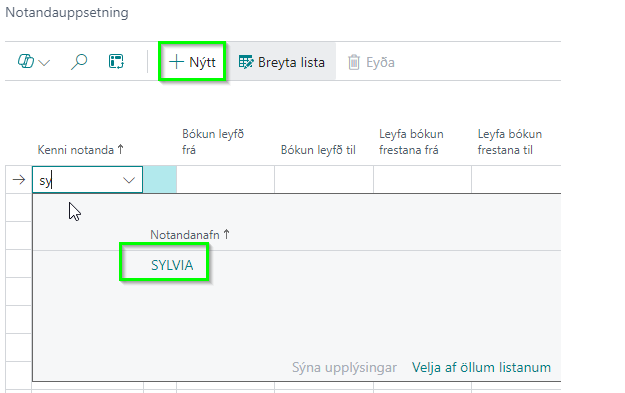
1. Open “User Setup”, click «new» and add a username from the list.
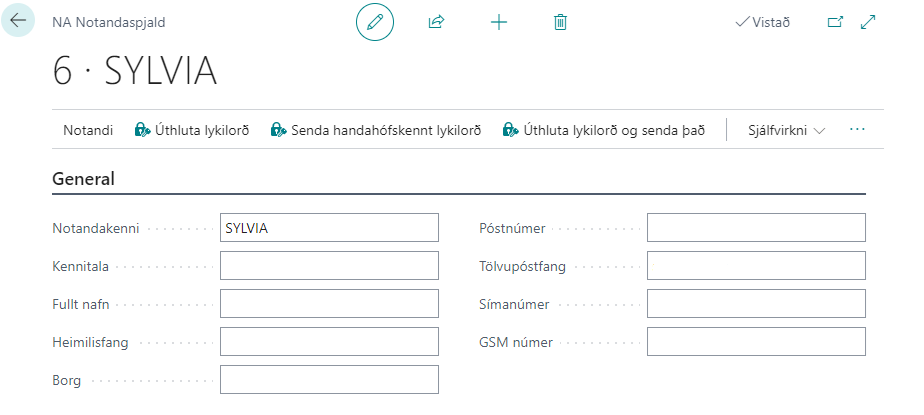
2. Open the NA user list and create the same user there.
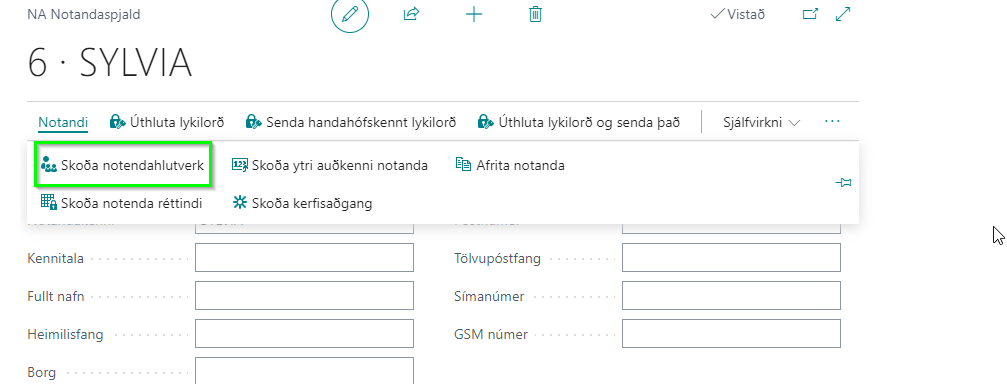
3. Select ”User” and ”View user roles”.
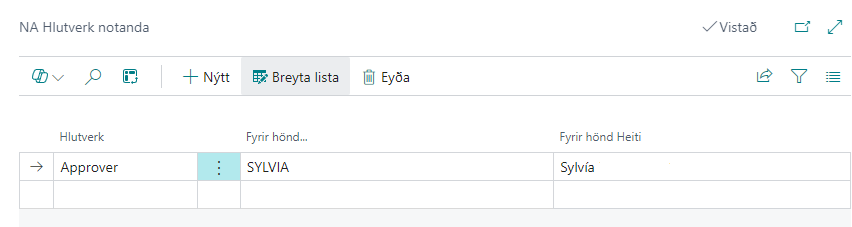
4. Enter ”Approver” in role and the user name in ”On behalf of..”.
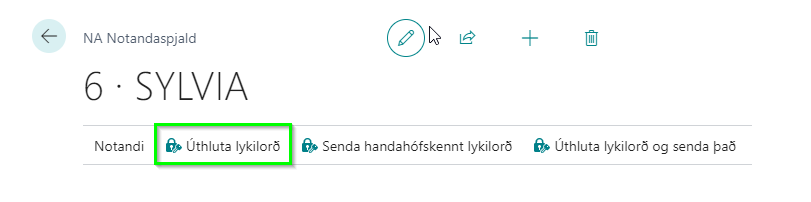
5. Once this is done, a password must be assigned to the user so they can sign in to the web portal.