Payments
Set Up RdN Payments:
Open RdN Payments - Setup with Assistance
No. Series and Document Number
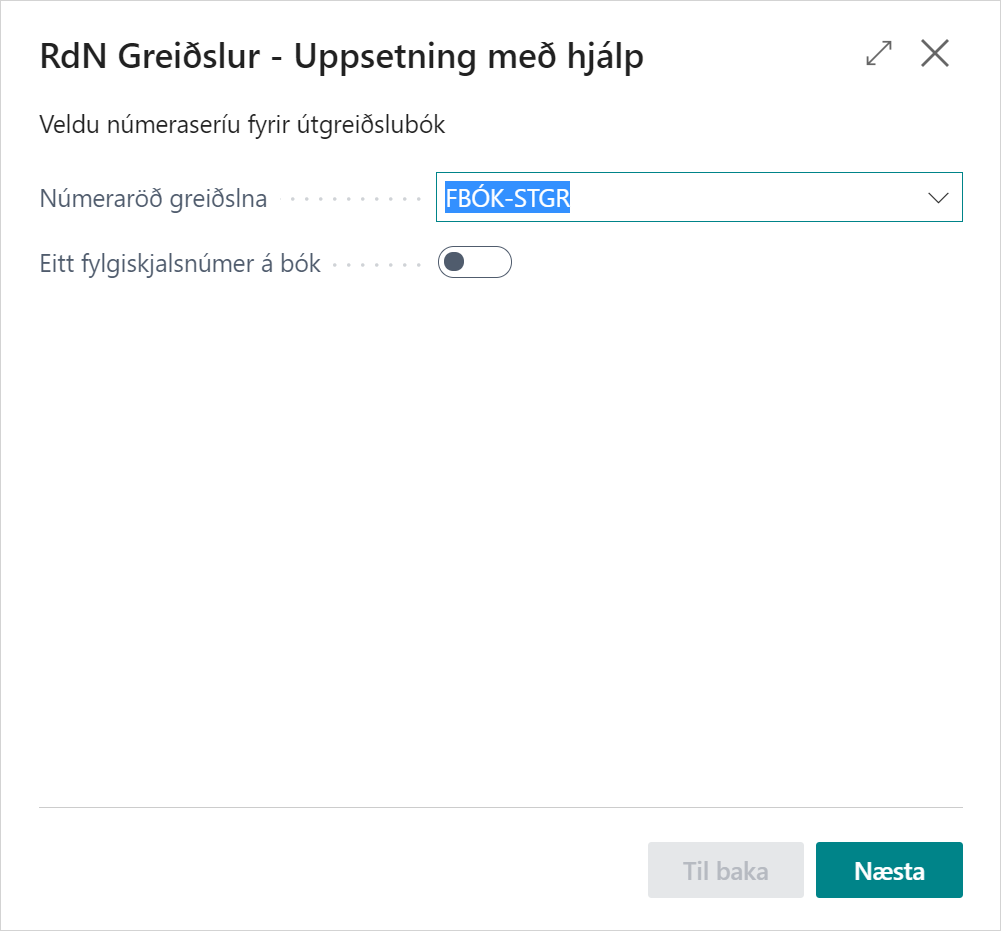
You must select a payment no. series to be used in the payment journal, unless the no. series has been set up on the journal.
If you want to get one document number per payment journal, you need to check this field (which is rarely the case).
Accounting Codes
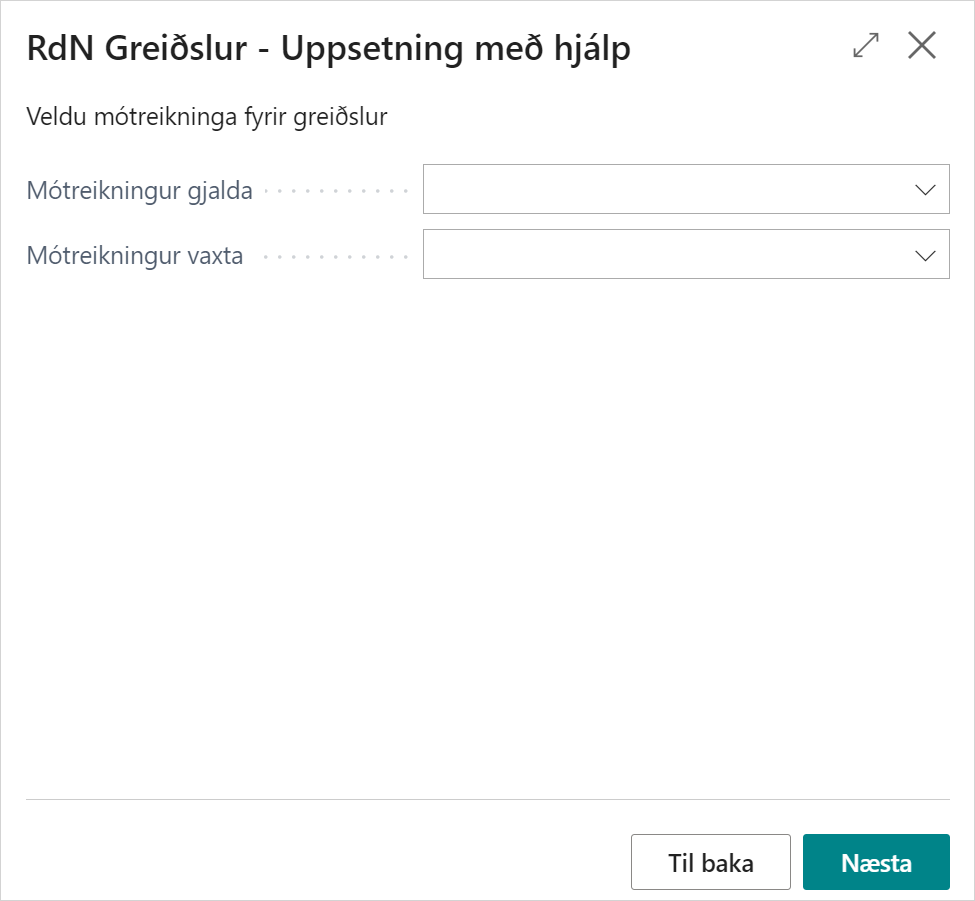
You need to fill in accounting codes for fees and fees on payments. The system automatically fills in when payments are made for unpaid claims if fees and charges have accrued on it.
Alternative Claims
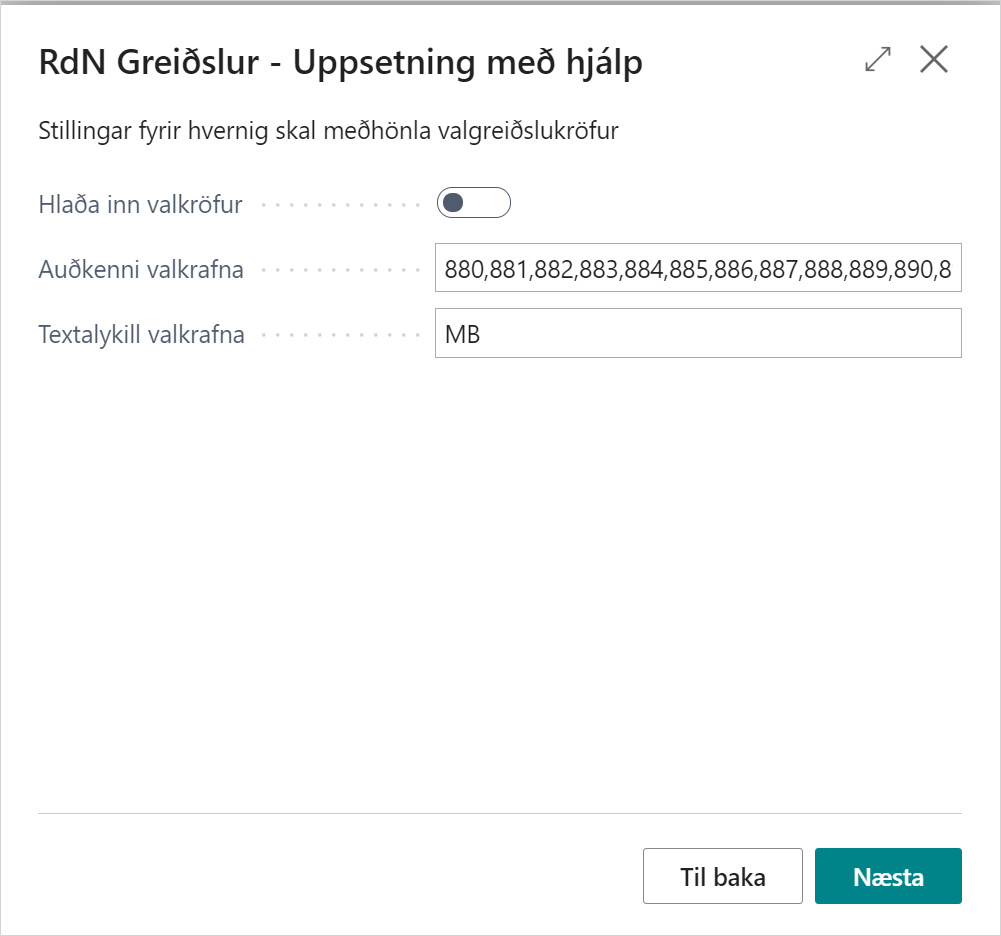
Here you must specify how to handle alternative claims if necessary.
Match Payment Suggestions to Claims
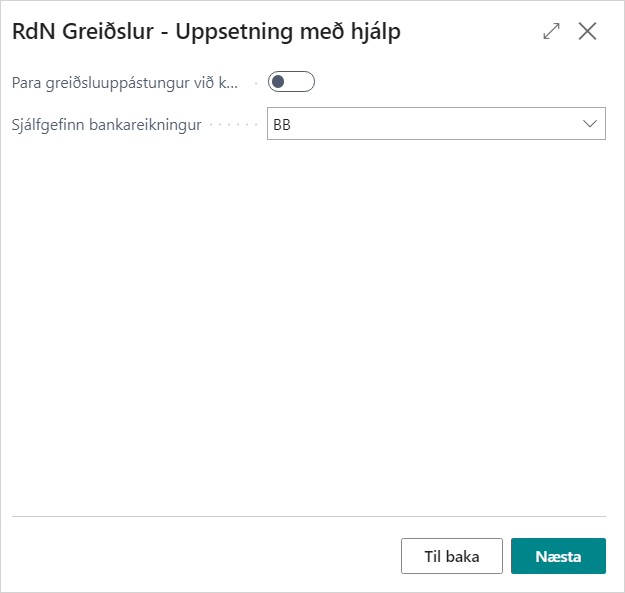
If the system is to match payment suggestions with a claim, you need to check this field. What happens when you select "Payment Suggestions for Vendors" and if there is a claim in the bank for the same vendor entry, the system will suggest paying the claim instead of making a transfer.