Exchange Rate Match
It is common that when reconciling credit card entries in foreign currency, the exchange rate on the purchase invoice in the accounting system does not match the exchange rate on the credit card entry from the bank.
Then it is good to be able to match the exchange rate with one action.
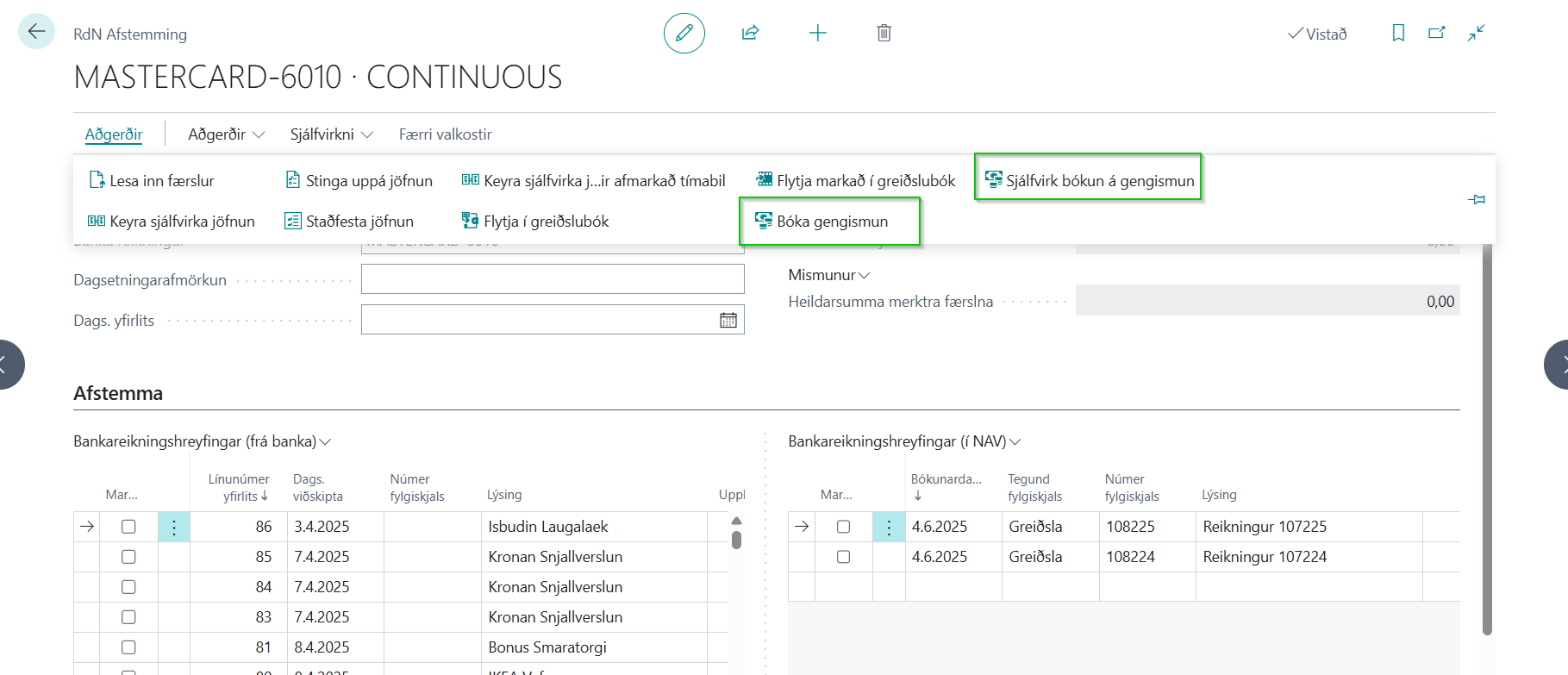
To use the Book Currency Difference action, you check the entries you want to settle and then click on the action.
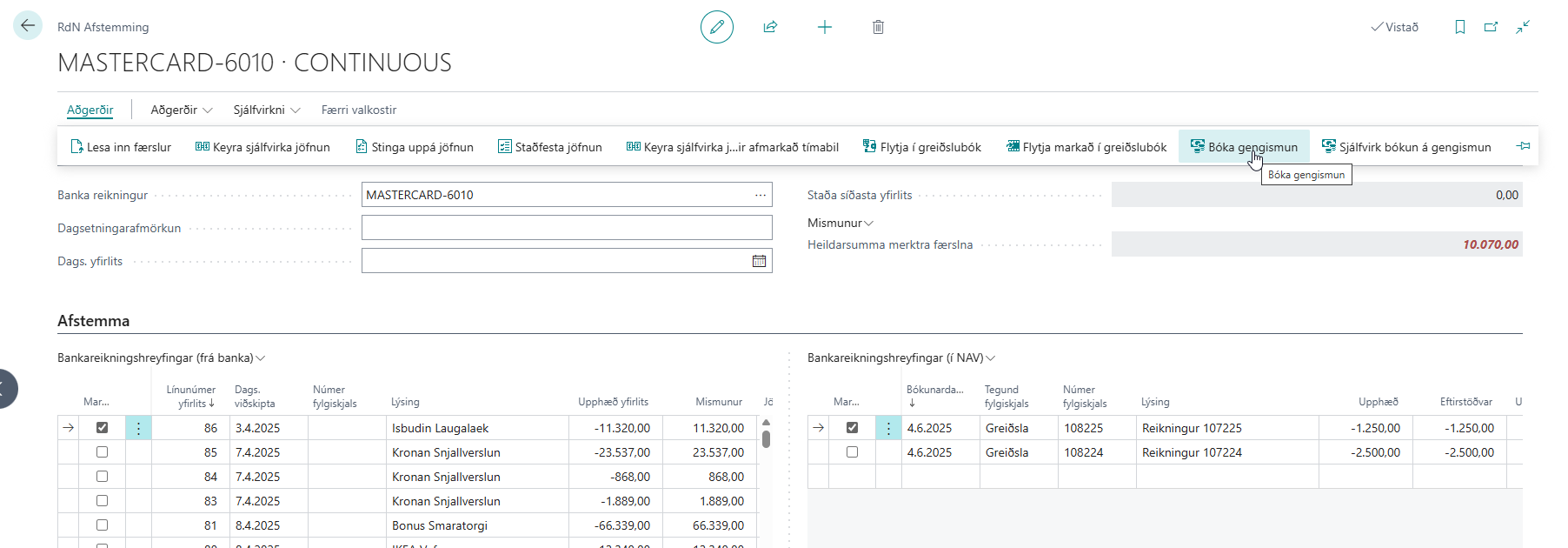
When the action has been clicked, a line will be created in the journal and you will see a window asking you to post that entry.
The value of the entry will be the exchange rate difference, the account will be the bank account being reconciled and the counter account is found in the currency table. The action retrieves the account in the currency table based on the currency the purchase invoice is in.
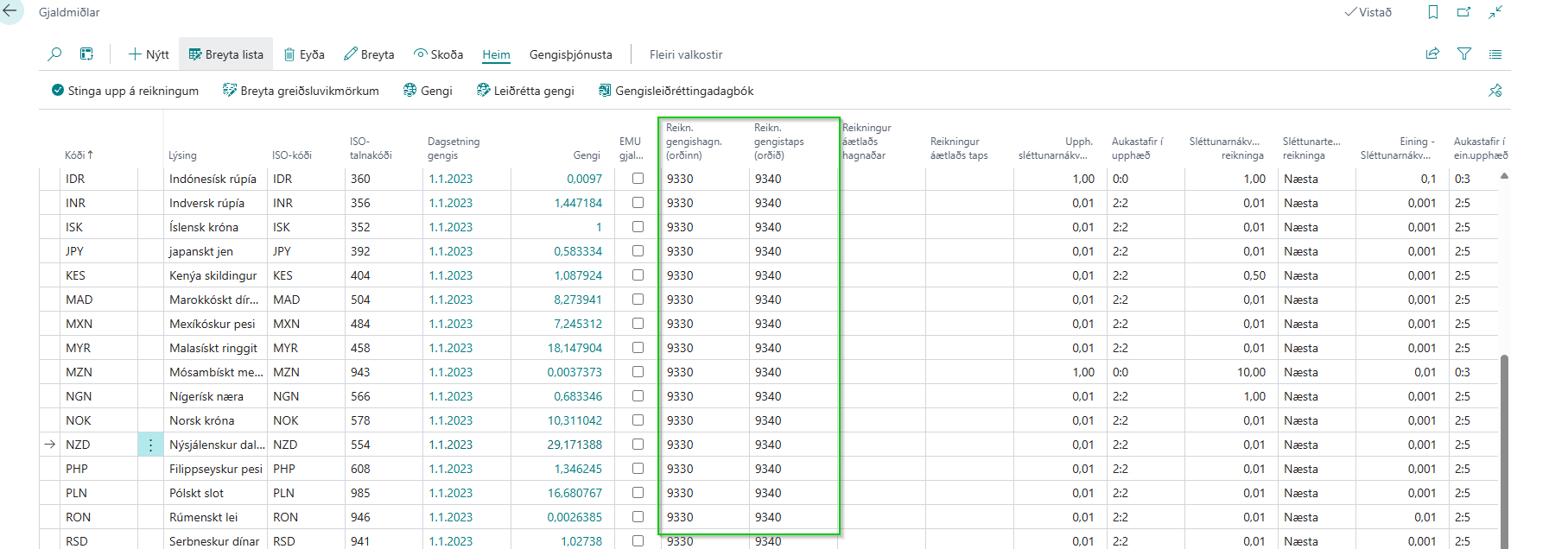
The second action Automatic Booking of Currency Difference does the same as the first action except that you don't have to choose which entries you want to settle.
The action goes through all bank account entries (in BC) and checks if it can find an entry in Bank Account Movements (from the bank). The cost in the original currency of the bank entries is compared to the amount in the purchase invoice as well as the entry date is compared to the posting date of the invoice. When the action has completed its execution, you will receive a confirmation asking you to post the lines in the journal that were created.
When that is done, you can run automatic reconciliation and it will take the exchange rate difference entries into account.