Run Automatic Matching for a Specific Period
The action automatically matches bank transaction entries from the bank with bank entries in Microsoft Dynamics 365 Business Central according to a rule set up in Setup - Reconciliation for a specific period selected by the user.
The general rule is that entries are matched automatically if they have the same amount and the same posting date. If the maximum allowed date difference in Setup - Reconciliation is, for example, 3D, then the system can automatically match entries that have the same amount and a posting date within 3 days.
The system then shows a message indicating how many entries were matched automatically.
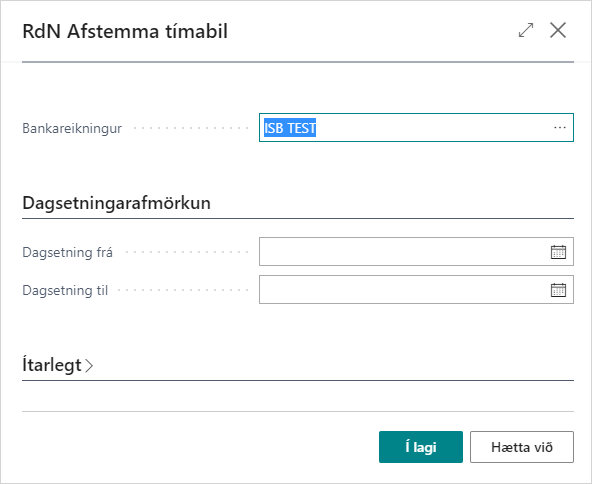
Information
| Field | Description |
|---|---|
| Bank Account | Here you can select the bank account on which to run automatic matching. |
| Date From | Here you select from which date to run automatic matching. |
| Date To | Here you select to which date to run automatic matching. |