Credit Card Reconciliation
Here is described how to reconcile credit card entries based on a file obtained from the bank.
Creditcard Islandsbanki
ATH if you want to use a credit card from Íslandsbanki you must first log in with electronic credentials for the user. See Guide
Receipts in Accounting
Now it is possible to retrieve receipts with entries from Arion, Landsbanki and Íslandsbanki. At the same time, it is possible to create mappings and make automatic purchase invoices. For this you need to register a new authentication. See Guide
Actions
1. Set Up Credit Card:
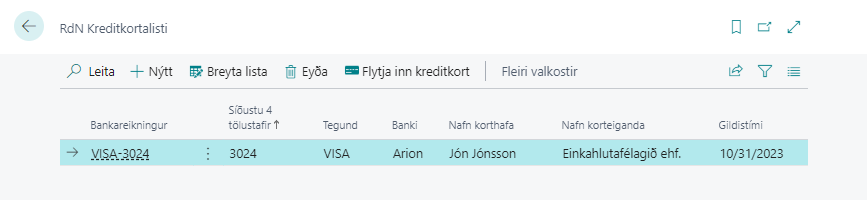
You must start by creating a credit card in BC. This is done by clicking "Import Credit Card" in the RdN Credit Card window (found in the search box). The bank account for the credit card is created automatically when a credit card is created.
Please note that the system retrieves all cards that registered bank users on your connection have access to. The bank user must have access to the card in order to retrieve it.
See a more detailed description here.
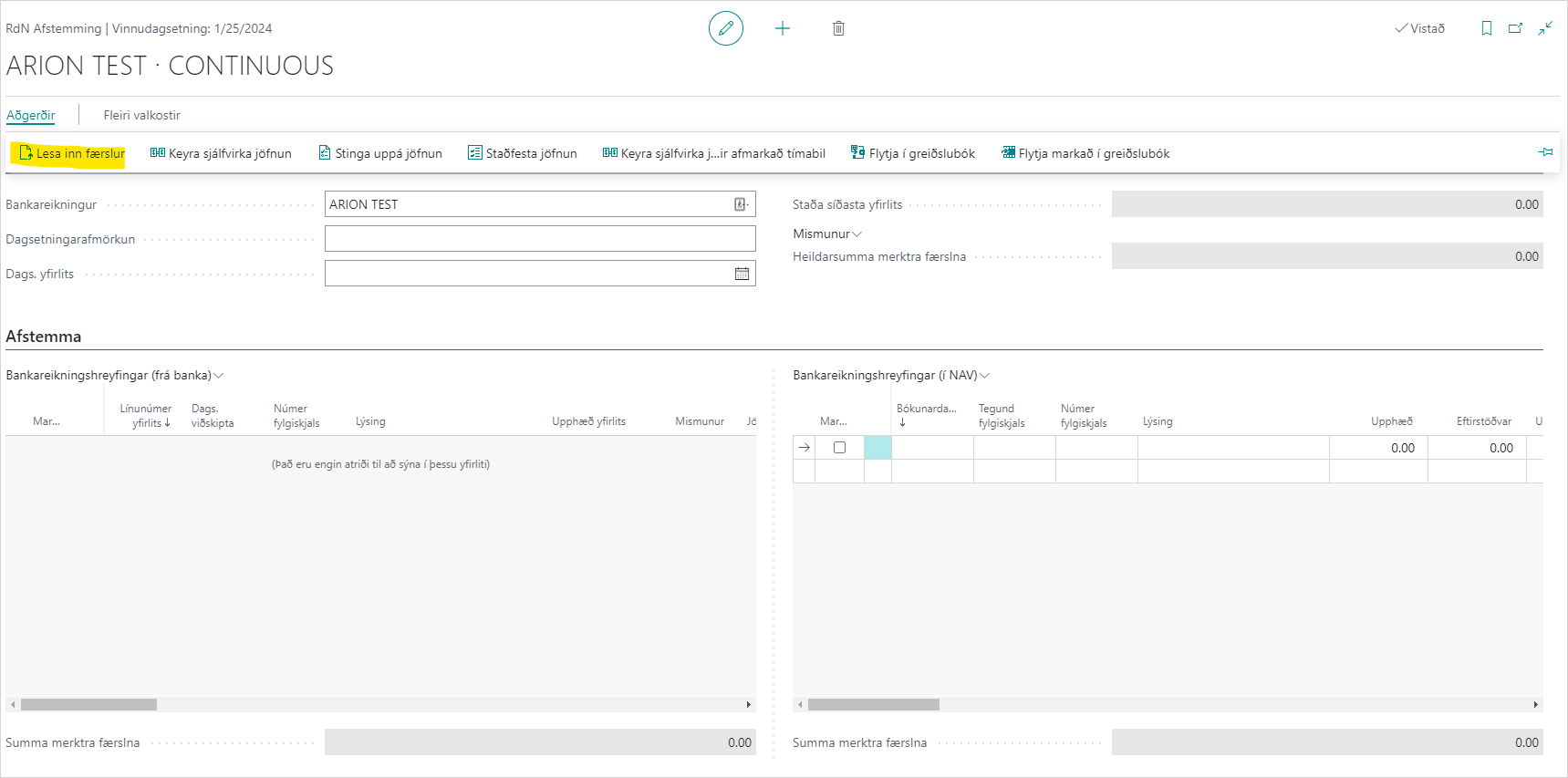
2. Read Bank Entries:
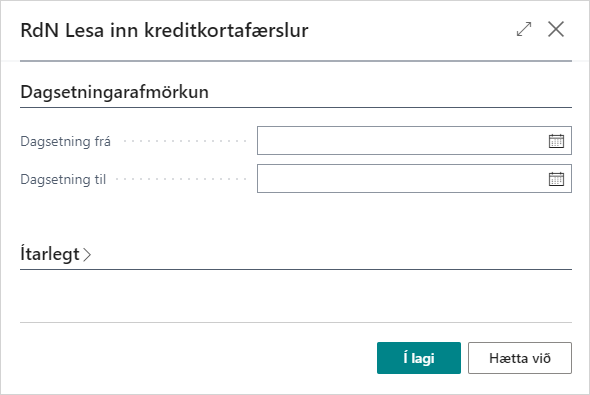
Open RdN Reconcile, select the bank account that is of credit card type and then you can Read Entries just as in regular reconciliation. See a more detailed description here.