
Customer setup
This page is for administrators and consultants. A customer setup is a set of rules for claim dates, fees, interest and late fees. You create one setup for each group of customers that should have different rules and link it to the customers.
Purpose
When a claim is created for a customer that has a customer setup, its rules apply instead of RdN Claim Setup and the bank account setup. Example: Dæmi ehf. pays no payment slip fee and gets 10 days from the due date to the final due date, while other customers get 5 days.
If the collection identifier setup is turned on and an identifier matches the claim batch, the identifier's rules take priority over the customer setup.
Prerequisites
Permissions
You need permission to change RdN Customer Setup and customers.
Steps
-
Search for RdN Customer Setup List and choose New.
-
Enter a Code, for example
NOFEES. -
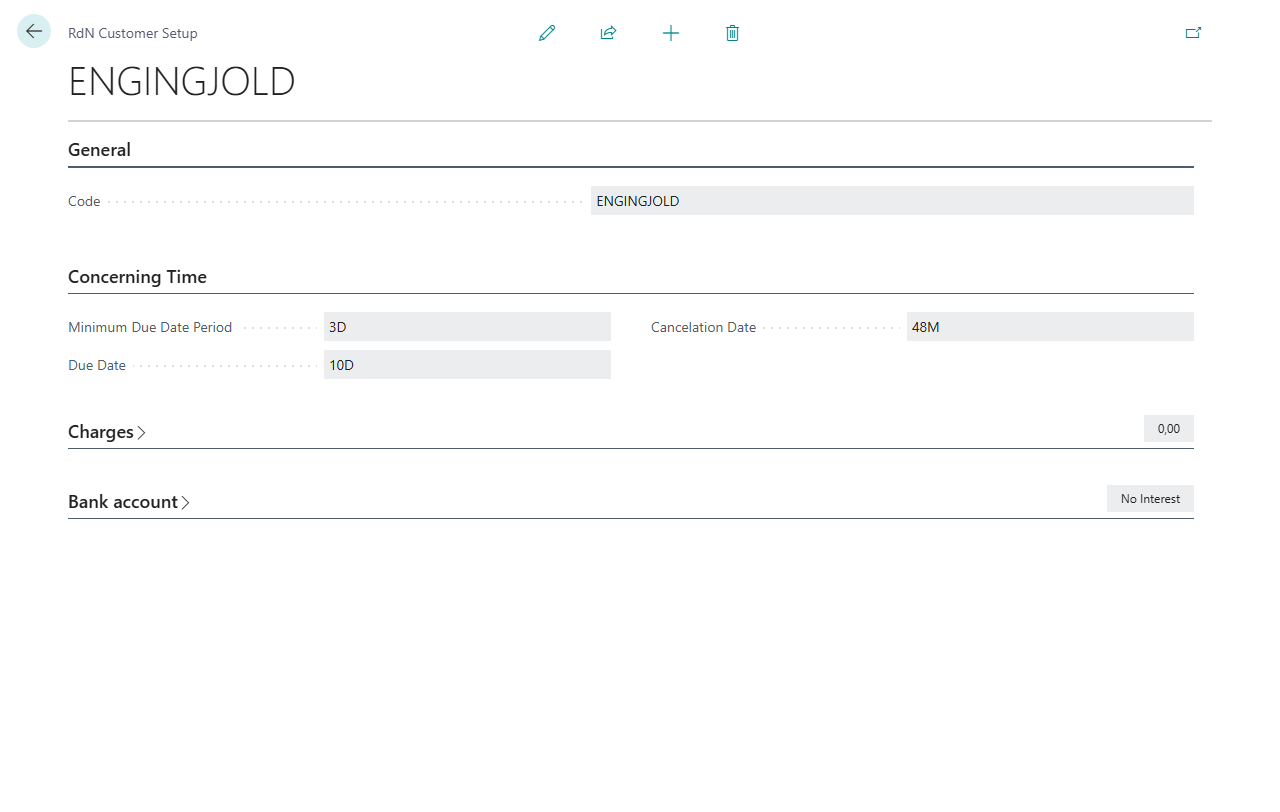
On the Concerning Time FastTab, fill in Minimum Due Date Period, Due Date (which calculates the final due date from the due date) and Cancelation Date. See Claim dates.
-
On the Charges FastTab, fill in Notification Fee, Other Cost and Minum Claim Amount. Enter
0if the customers shouldn't pay a fee. -
On the Bank account FastTab, fill in interest and late fees as described in Interest and late fees, and select Partial Payment Allowed if the customers may pay part of a claim.
-
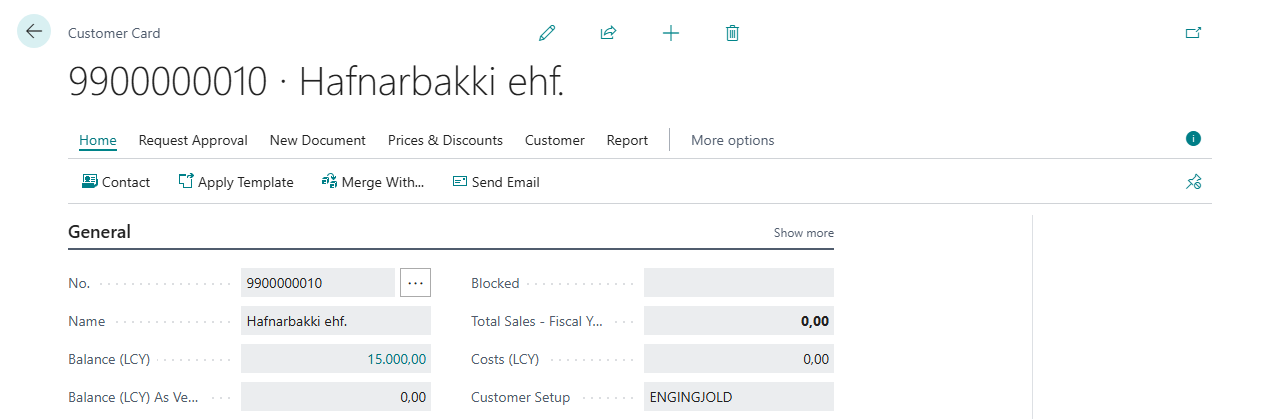
Open the customer card and choose the code in Customer Setup on the General FastTab.


All fields of the setup are used. An empty field means no fee or no interest, not the value from the general setup.
Verify
Create a claim for the customer and open the claim card. The final due date, fees and the interest and late fee rules should come from the customer setup. If the code on the customer doesn't exist, creating claims stops with Customer Setup %1 not found for customer %2. See Help.