
Fetch claim payments automatically
Instead of fetching claim payments by hand every morning, a job queue entry can do it. You choose whether it only fetches the payments, also transfers them to the cash receipt journal, or posts them all the way.
Scenario
Dæmi ehf. receives dozens of claim payments a day. The bookkeeper wants the payments to be in the cash receipt journal when they arrive at work, so all that's left is to review and post.
Before you start
- Fetch and post claim payments works manually.
- You have permission to change RdN Claim Setup and create job queue entries.
Walkthrough
-
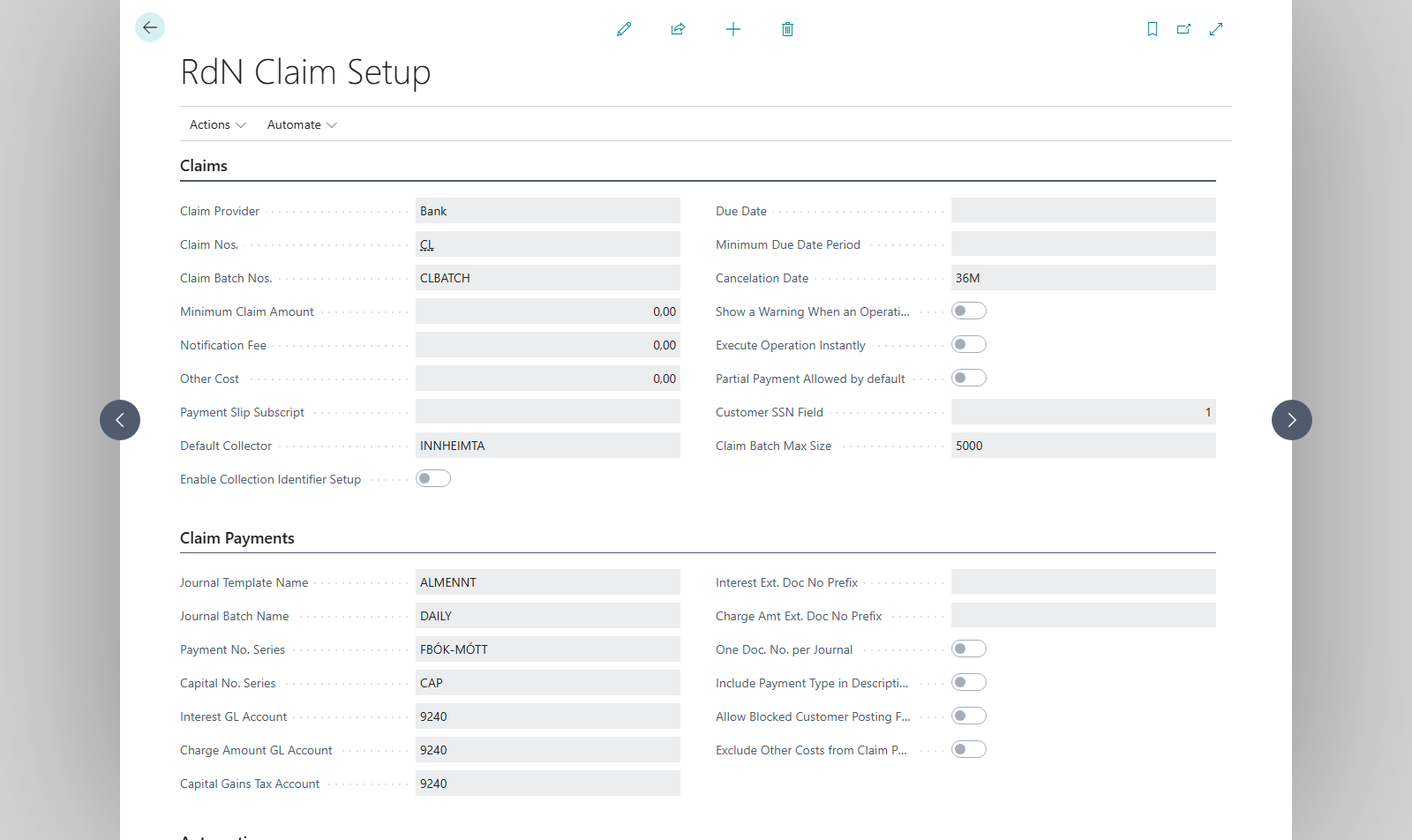
Open RdN Claim Setup and go to the Job Queue - Claim Payments FastTab.
-
In Fetch move and/or post, select:
- Fetch: payments are only fetched into RdN Claim Payment Entries.
- Fetch and move: payments are also transferred to the cash receipt journal.
- Fetch move and post: the cash receipt journal is also posted.
-
In Number Of Days To Fetch From, enter how far back to fetch, for example
-3D. The job fetches from that day until tomorrow. -
If payments come in on more than one bank account, choose Select Bank Accounts for Job Queue and mark the accounts. Otherwise payments are fetched from the Default Collector on the Claims FastTab.
-
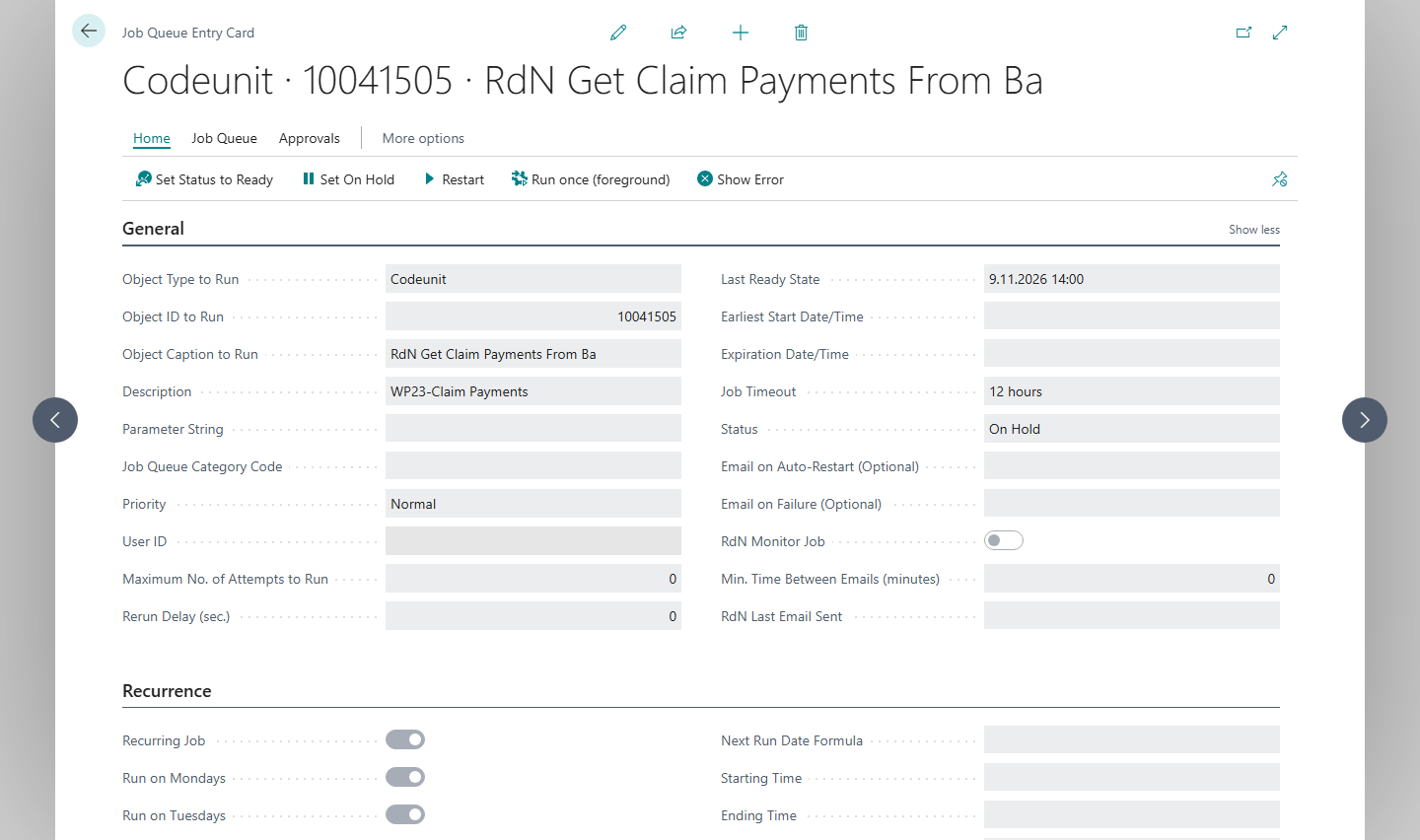
Open Job Queue Entries and create an entry that runs codeunit 10041505 (RdN Get Claim Payments From Bank).
-
Choose a recurrence, for example daily at 02:00, and set the entry to Ready.


Result
Every night new payments are fetched from the selected bank accounts. Payments that were already fetched are not fetched again. Depending on your choice, the payments are also in the cash receipt journal or posted. The bank confirms payments at midnight, so a run after 01:00 picks up yesterday's payments.
Next, retrieve and post claim payments.
What can go wrong
- The job queue entry is in error. Open it and read the error. Check that the bank user is signed in and that the journal template and batch are set in the claim setup.
- Posting stopped. With Fetch move and post, posting stops if a line has an error and the lines wait in the cash receipt journal. Fix the line and post manually.
- Old lines are in the cash receipt journal. Post or delete them before the job runs, so the new payments aren't mixed with them.
- No payments arrived from one account. Check that it is selected in Select Bank Accounts for Job Queue.
All messages are in Help.