
Move bank entries to a payment journal
Some entries exist only in the bank, for example bank charges, interest and receipts that haven't been posted. From RdN Reconcile you move them to a journal, post them and then match them.
Scenario
In the monthly reconciliation at Dæmi ehf., bank charges and a receipt from Prófun hf. that nobody has posted are left over. The accountant marks the entries, moves them to a payment journal, posts and runs automatic matching again.
Before you start
- You've imported entries and matched what you can.
- A journal template and batch exist.
- If bank charges should go straight to a G/L account, the mapping of bank categories is set up.
Walkthrough
-
Mark the entries in Bank Statement Lines and choose Move marked to Payment Journal. To move all unmatched entries, choose Move to Payment Journal.
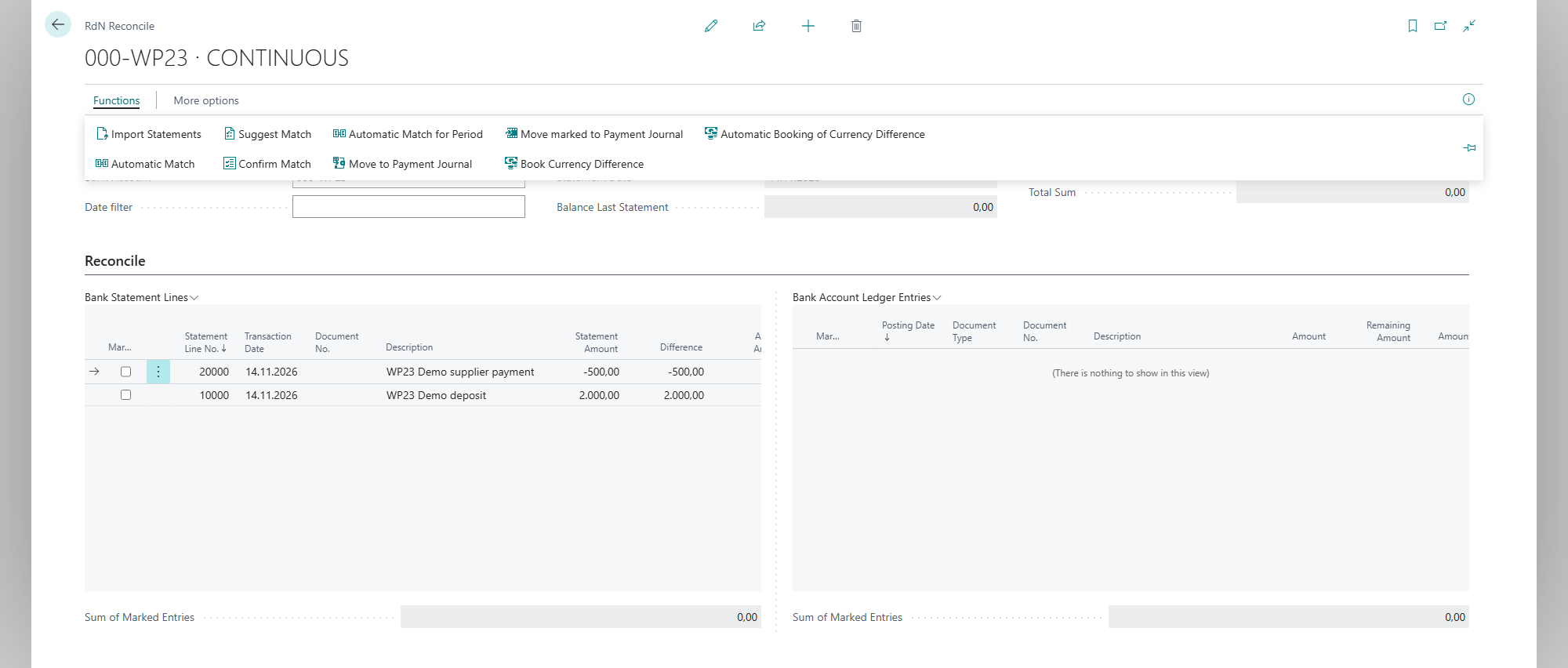
The request asks where to put the entries.
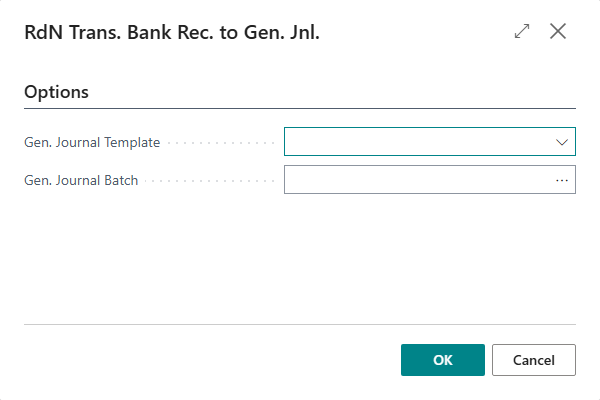
-
Select Gen. Journal Template and Gen. Journal Batch and choose OK.
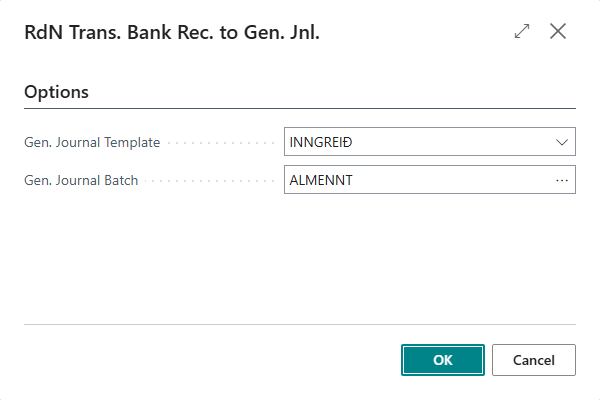
-
If the journal already has lines, the system asks There are %1 entries in journal already, do you want to delete them? Answer yes to start with an empty journal, or no to add to it.
-
The journal opens. The system has filled in the lines:
- A receipt where the payer's national ID (kennitala) belongs to a customer goes to the customer and is applied to an open entry based on the reference.
- A payment where the national ID in the reference belongs to a vendor goes to the vendor.
- An entry with a category code that is mapped to a G/L account goes to that account.
-
Fill in the account on lines the system couldn't fill in, and apply to open entries if needed.
-
Post the journal.
-
Go back to RdN Reconcile and choose Automatic Match. The newly posted entries match the bank entries.


Result
The missing entries are posted to the bank account in Business Central and matched against the bank.
Next, reconcile the bank account.
What can go wrong
- There are no entries to move No entry was marked, or all entries are already matched.
- A line comes in without an account. The system found no customer, vendor or mapping. Fill in the account by hand.
- A line comes in with an empty amount. Empty Amount If Applies To Doc Is Missing is turned on and no document was found to apply to. Apply the line and fill in the amount.
All messages are in Help.