
Create a customs export declaration
A customs export declaration is created from posted sales invoices to foreign customers. You check it for errors, send it to customs and wait for export clearance.
Scenario
Dæmi ehf. sells fish to Prófun hf. in Denmark. The sales invoice is posted, and a clerk creates an export declaration from it and sends it to customs.
Before you start
- The sales invoice is posted. The customer has the right currency and posting groups.
- The items have tariff numbers, on the item or in the item customs settings.
- There is a report template for export.
Walkthrough
-
Choose New export report w/assistance on the report list, or Create Customs Export Report in the role center.
-
Fill in the customer number and template, and select the invoices in the posted sales invoice filter.
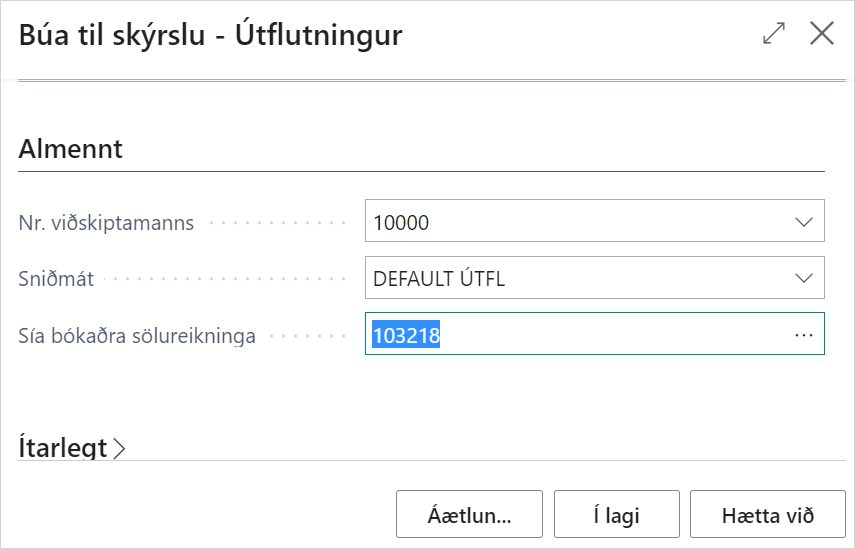
-
The declaration is filled in from the template and the sales invoices. You add more invoices with Add Sales Invoice to Report.
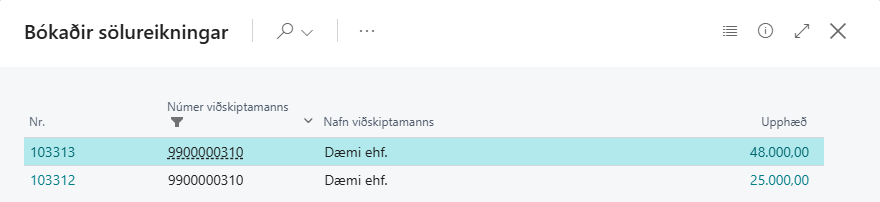
-
Distribute the weight if needed, see Distribute weight.
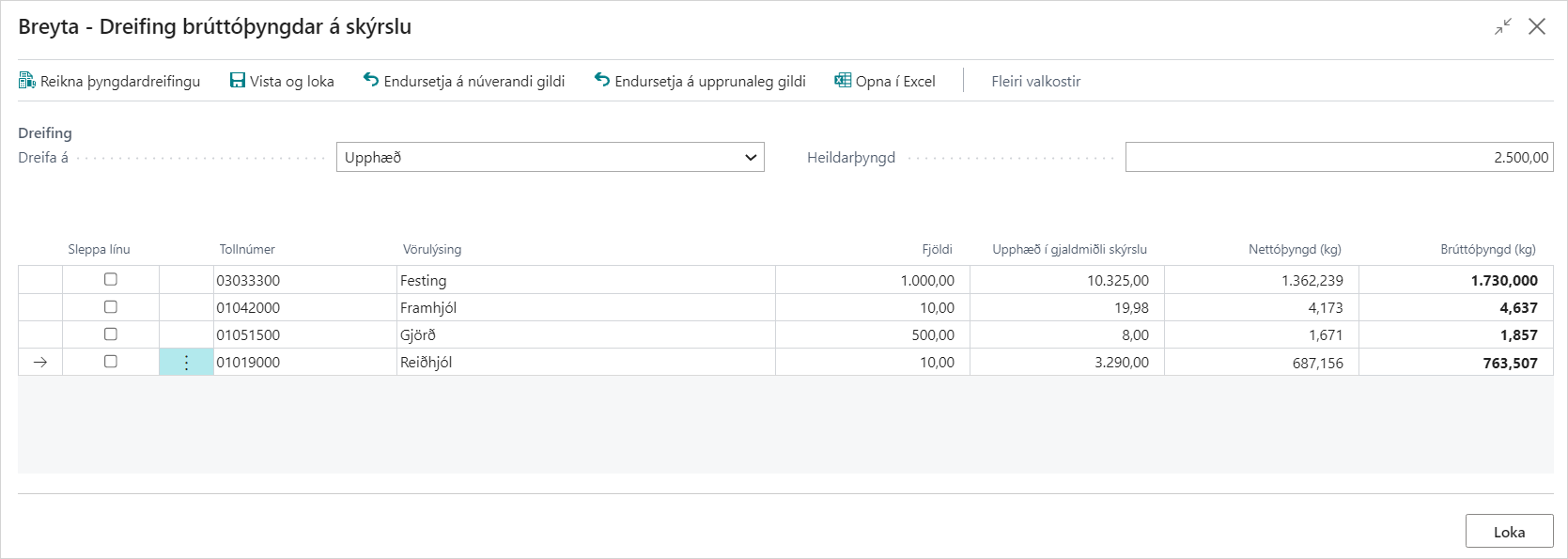
-
Choose Check document for errors and fix the errors.
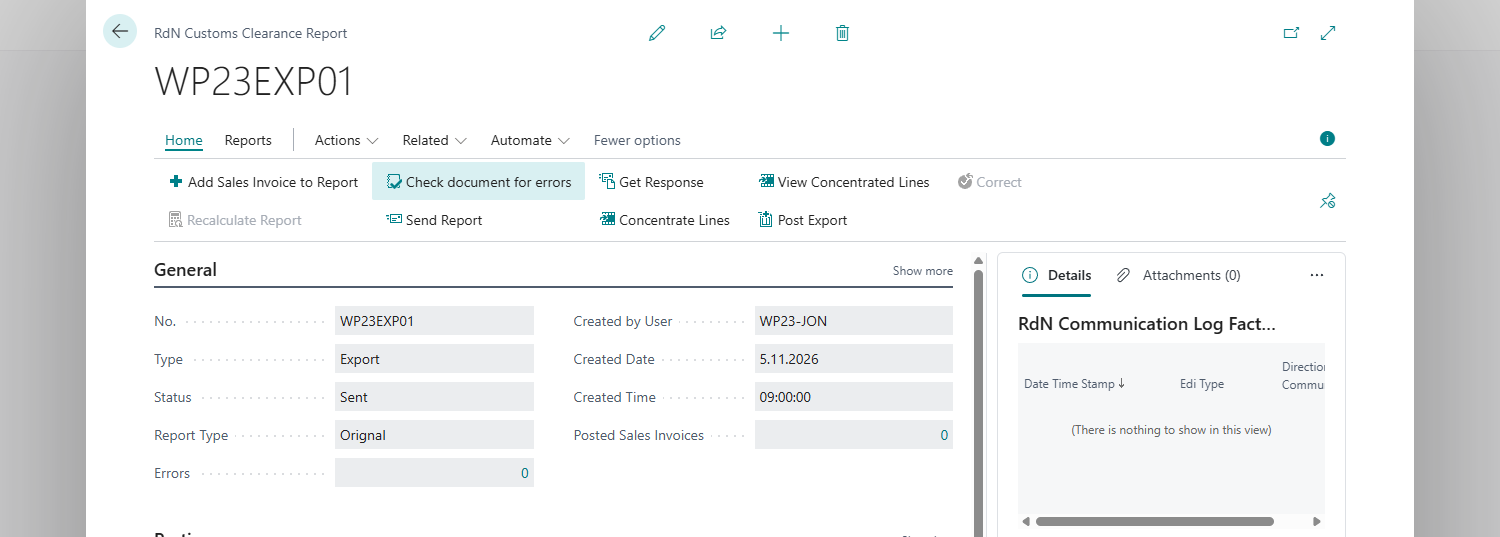

-
Choose Open report on form to see the declaration on the customs form.
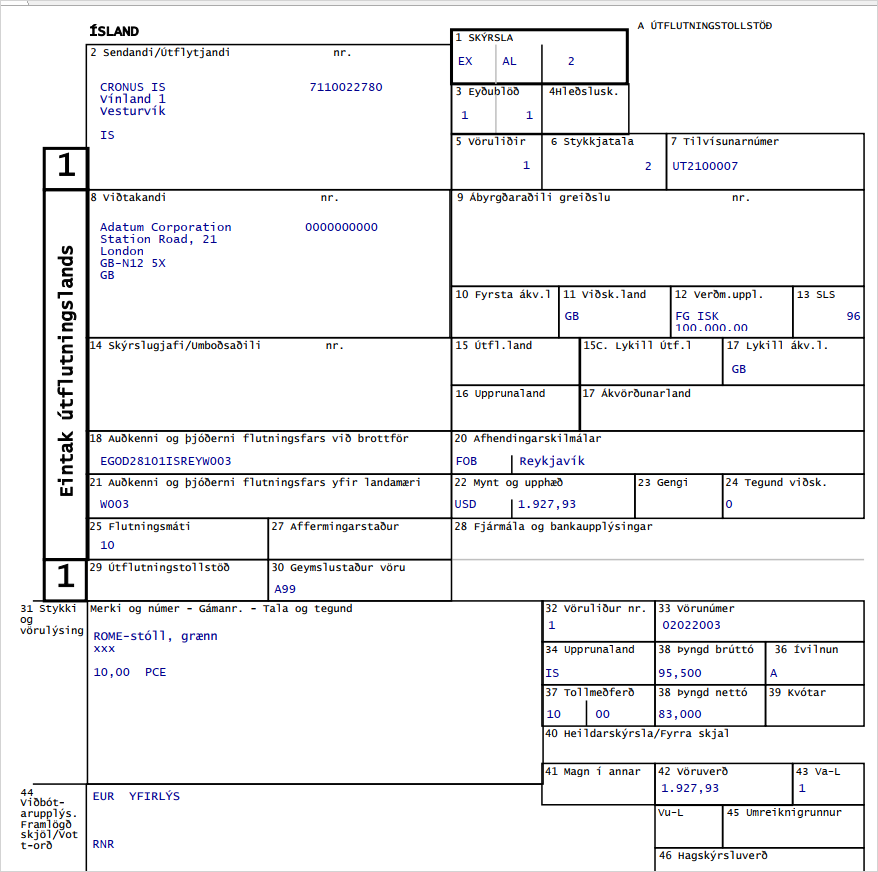
-
Choose Send Report.
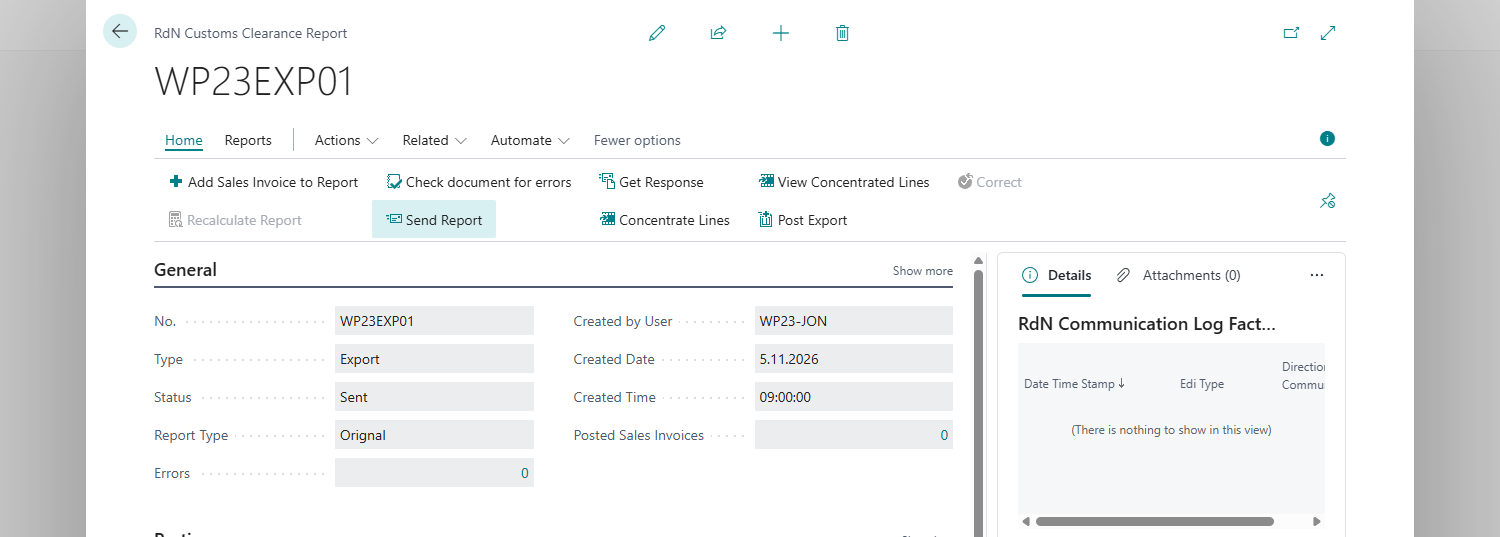
-
Get the reply with Get Response, or let a job queue entry do it, see Job queue entries.


Result
When customs approves the export, the declaration gets the status Export Clearance and you can post it, see Post an export declaration.
What can go wrong
-
The declaration goes to Error. Customs sent an error message. Open All errors from customs, fix the declaration and send it again.

-
An invoice isn't in the filter. It is already on another declaration. Remove it there with Remove.
See Help.