
Customs debit
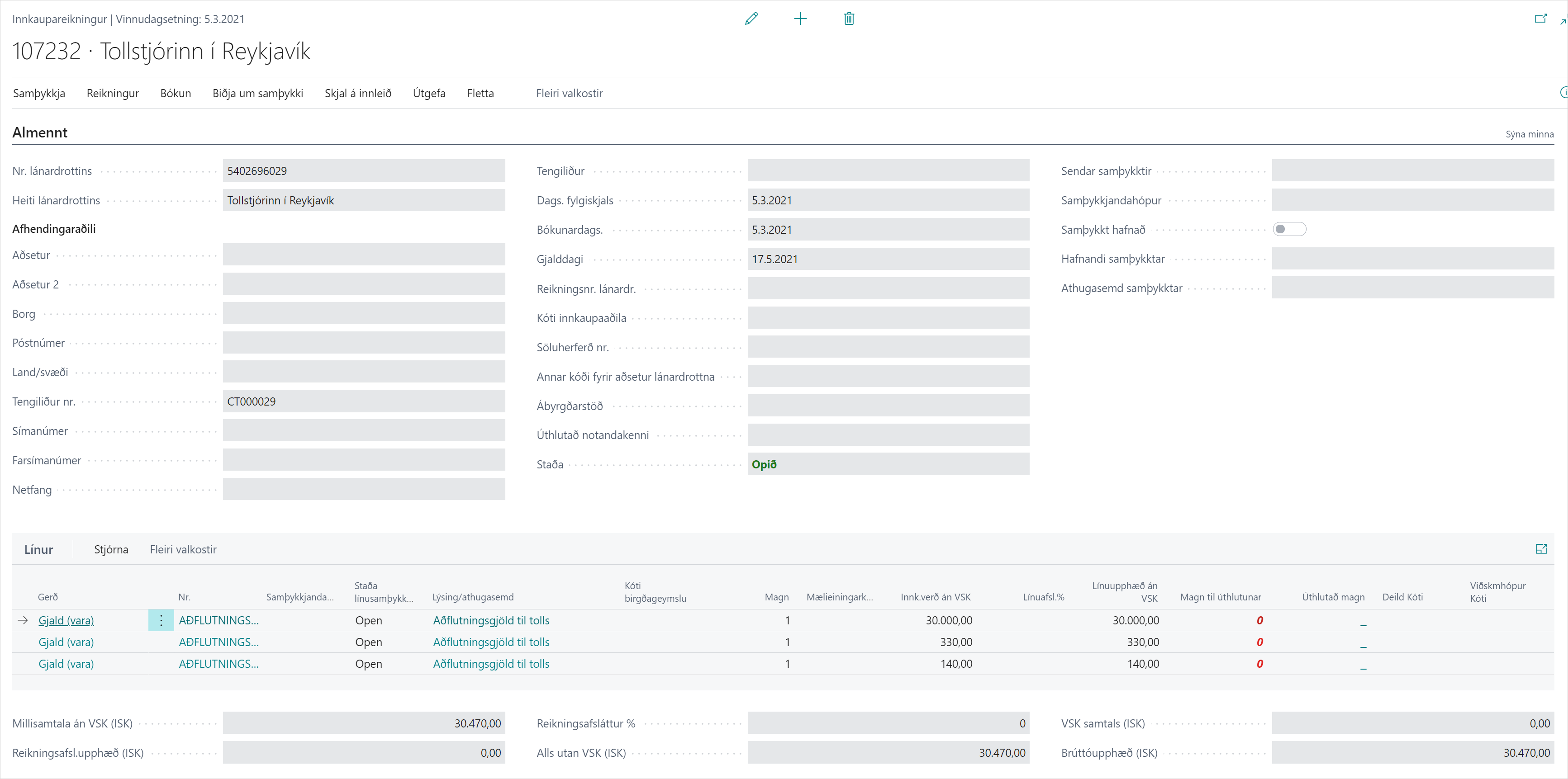
When customs debits the charges, it sends a CUSTAR message. The declaration gets the status Billed and the system creates a purchase invoice to customs with the charges.
Scenario
A CUSTAR arrives for a declaration from Dæmi ehf. The system creates a purchase invoice to customs where the import duties are an item charge on the item receipt, so they go into the item's cost.
Before you start
- In Customs setup, Default Vendor, Default Item Charge and Item Charge Distribution are set.
- When CUSTAR is received decides how far the system goes on its own: Do nothing, Create purchase documents or Create and Post purchase documents.
- Transfer VAT to G\L Journal decides whether VAT to customs goes on the purchase invoice or to a journal.
- The receipt of the purchase orders on the declaration is posted.

Walkthrough
-
Get the replies. When CUSTAR arrives, the declaration becomes Billed.
-
If When CUSTAR is received is Do nothing, choose Create Invoice From CUSTAR on the declaration.
-
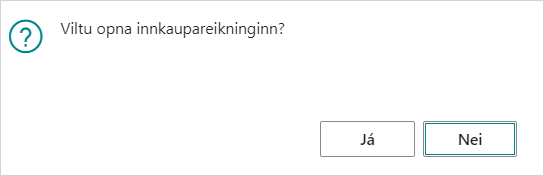
The system asks "Do you want to open a list of the purchase invoices created?" Choose Yes to see them.
-
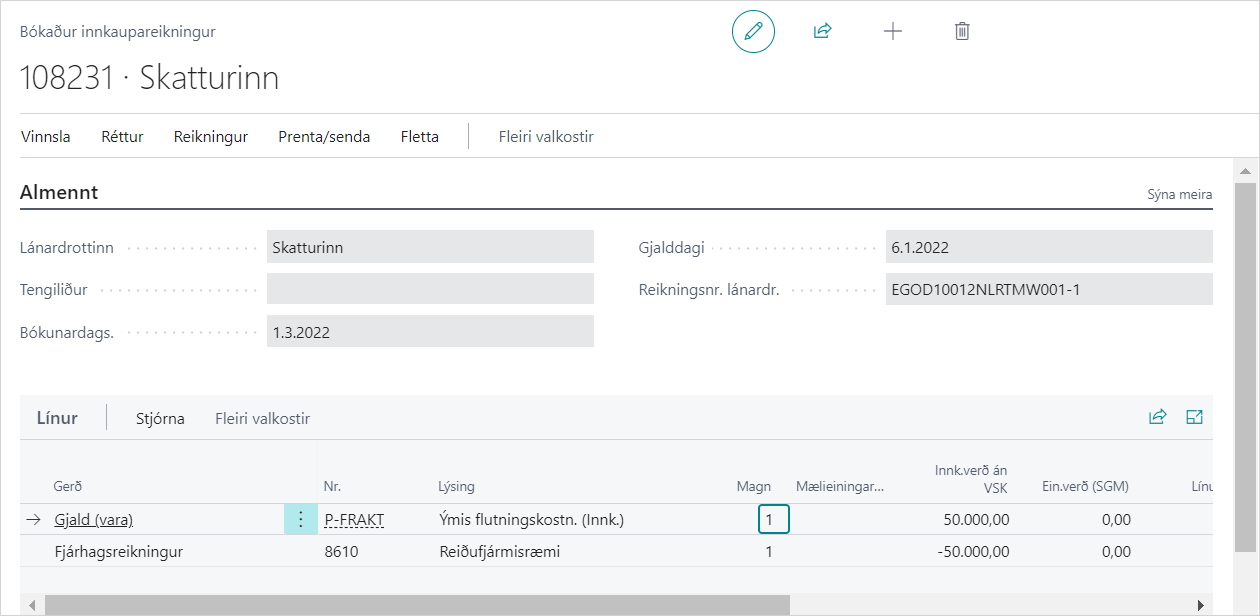
Review the purchase invoice to customs. The lines are the item charge assigned to the declaration's receipt lines.
-
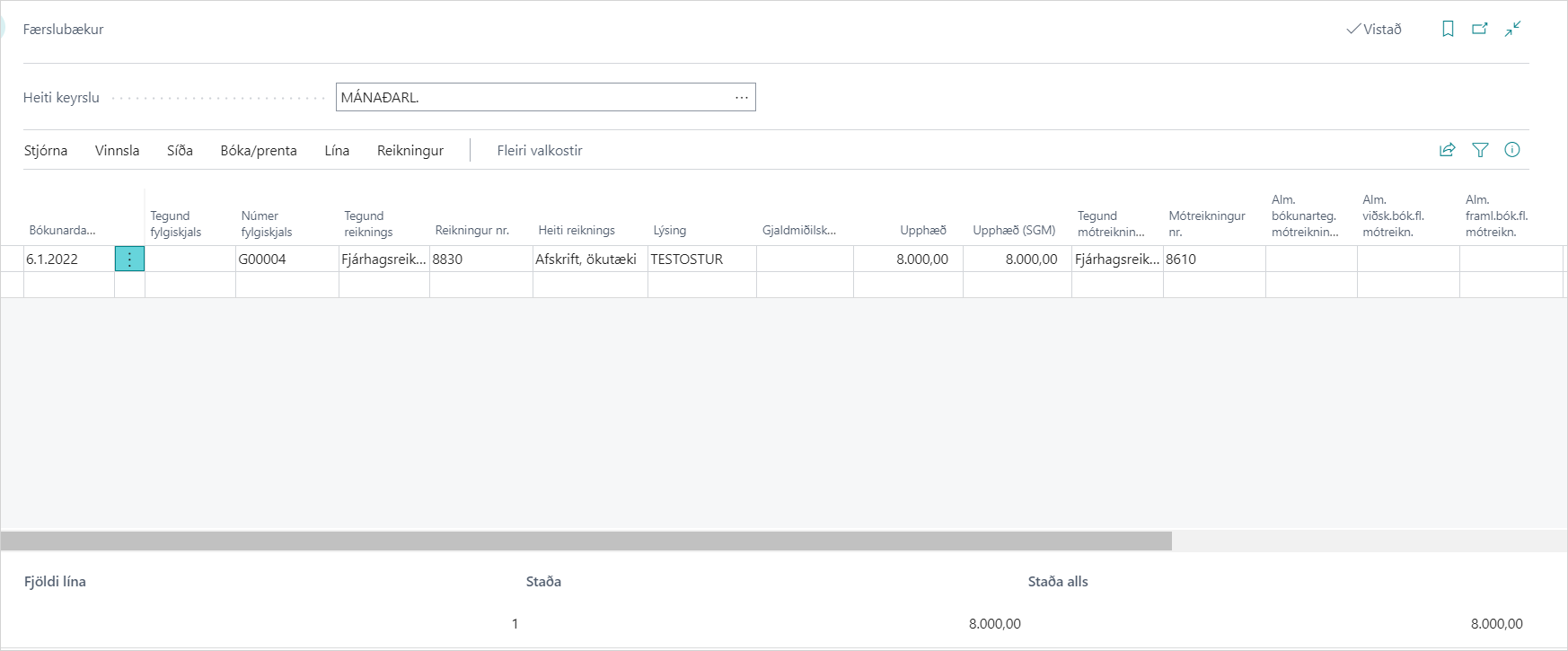
If VAT goes to a journal, open G\L Journal on the declaration and post the VAT lines.
-
Post the declaration. Unposted purchase invoices are posted with it.


Costs on the declaration
If costs are registered on the declaration, the system also creates purchase invoices for them, one per vendor and currency. See Register costs on a declaration.
Vendor invoice number
The setting Vendor Invoice No. decides whether the declaration number, the consignment reference number or nothing goes in the vendor invoice number on the purchase invoice. If nothing goes there, you must enter it before the invoice is posted, if the vendor invoice number is mandatory in Purchases & Payables Setup.
Reversal: CUSTAR-BAK
If customs reverses the debit, it sends CUSTAR-BAK. The declaration gets the status Open again. The system deletes unposted purchase invoices created from CUSTAR and corrects posted purchase invoices with a credit memo.

Fix the declaration, send it again and wait for a new debit.
Result
There is a purchase invoice to customs with the charges as an item charge on the items. When it's posted, the charges go into the item's cost, see Cost amount of items.
What can go wrong
- "Report Header %1 has lines missing receipt. If you continue no item charges will be applied and will have to be done manually. Do you want to continue?" The receipt isn't posted. Choose No, post the receipt and try again. If you continue, you must assign the item charge manually.
- "Report Header %1 has lines missing receipt. Post order to receive first before processing CUSTAR". The same error when CUSTAR is processed automatically. Post the receipt and choose Process Response on the reply.
- "Report %1 does not exist in the system. Do you want to create a purchase invoice for this CUSTAR still?" The debit is for a declaration that isn't in the system. Choose Yes if you still want to invoice the charges.
- "Cannot post Purchase Documents unless Vendor Invoice No. is selected". Shown in the setup when you choose Create and Post purchase documents but Vendor Invoice No. is blank. Choose a value in Vendor Invoice No. first.
See Help.