
Send for approval
A purchase document can't be posted until it has been approved. You send it for approval when it is ready, and the request goes to the first approver in the document's Approver Group.
Scenario
A bookkeeper at Dæmi ehf. has entered an invoice from Prófun hf. The vendor is linked to the group PURCHASE, so the invoice goes to the purchasing manager for approval.
Before you start
- The approval workflow is enabled, see Approval setup.
- The document has the status Open and has lines.
Walkthrough
-
Open the purchase invoice. Check that Approver Group is filled in. It comes from the vendor but you can change it.
-
Choose Send Approval Request.
-
If Warning when Line is Empty is on and a line has no quantity or amount, you are asked whether to continue.

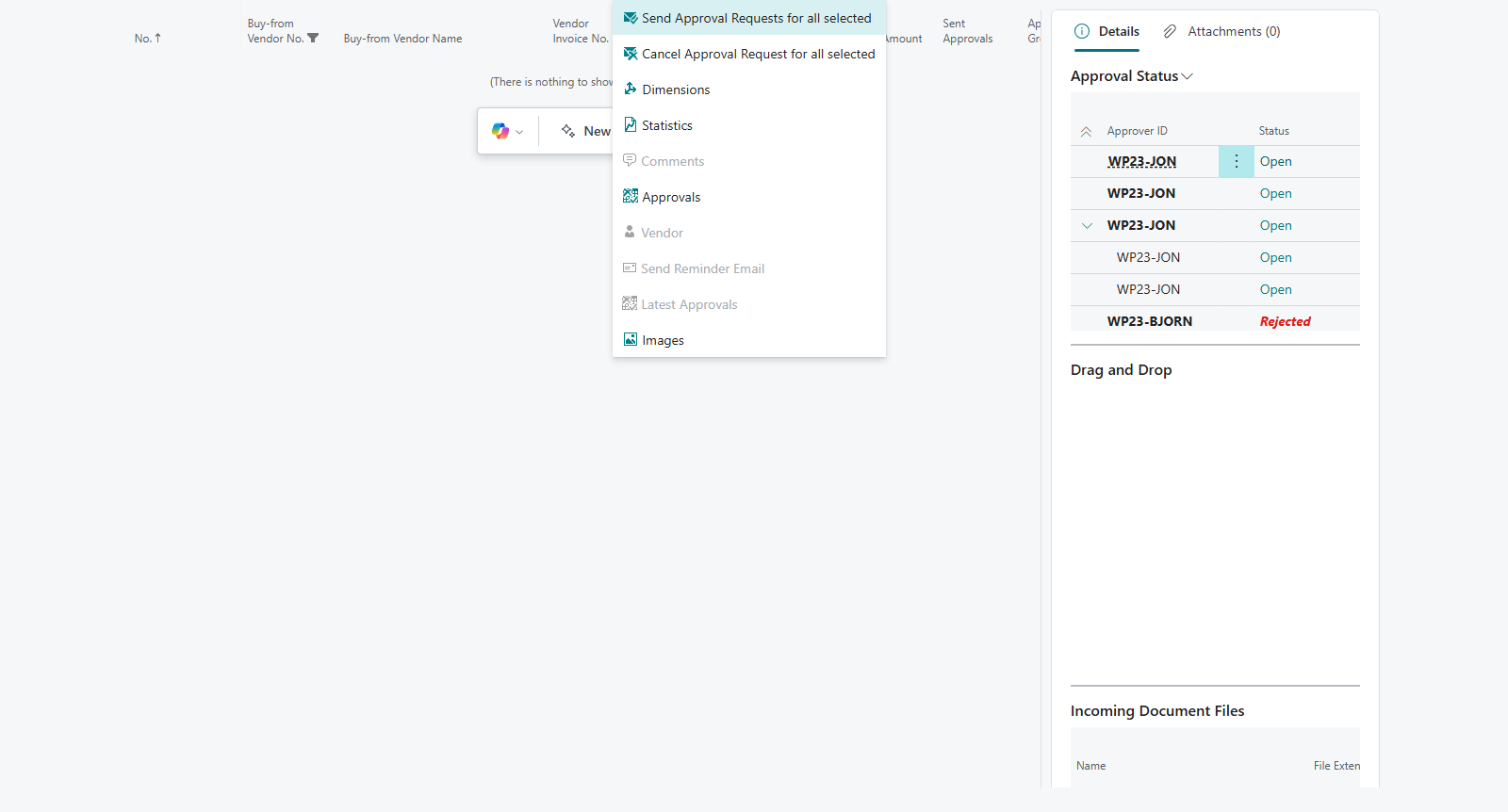
To send many documents at once, open Purchase Invoices, select the invoices and choose Send Approval Requests for all selected. You see %1 Approval Requests sent, where %1 is the number.
Result
The document has the status Pending Approval and can't be posted. Sent Approvals shows who is to approve now, first the approver with the lowest sequence number in the group. That approver gets an email if Send Email on Approval Request is on, and sees the request in Request to Approve List. How to follow it up is in Follow up approvals.
What can go wrong
- Purchase invoice %1 has no approver group. Choose an Approver Group on the document and send it again.
- Send Approval Request isn't available. The workflow isn't enabled, or the document isn't Open.
- The document was released without approval. It matched an exemption rule, see Skip approval with an exemption.
All messages are in Help.