
Approve an invoice
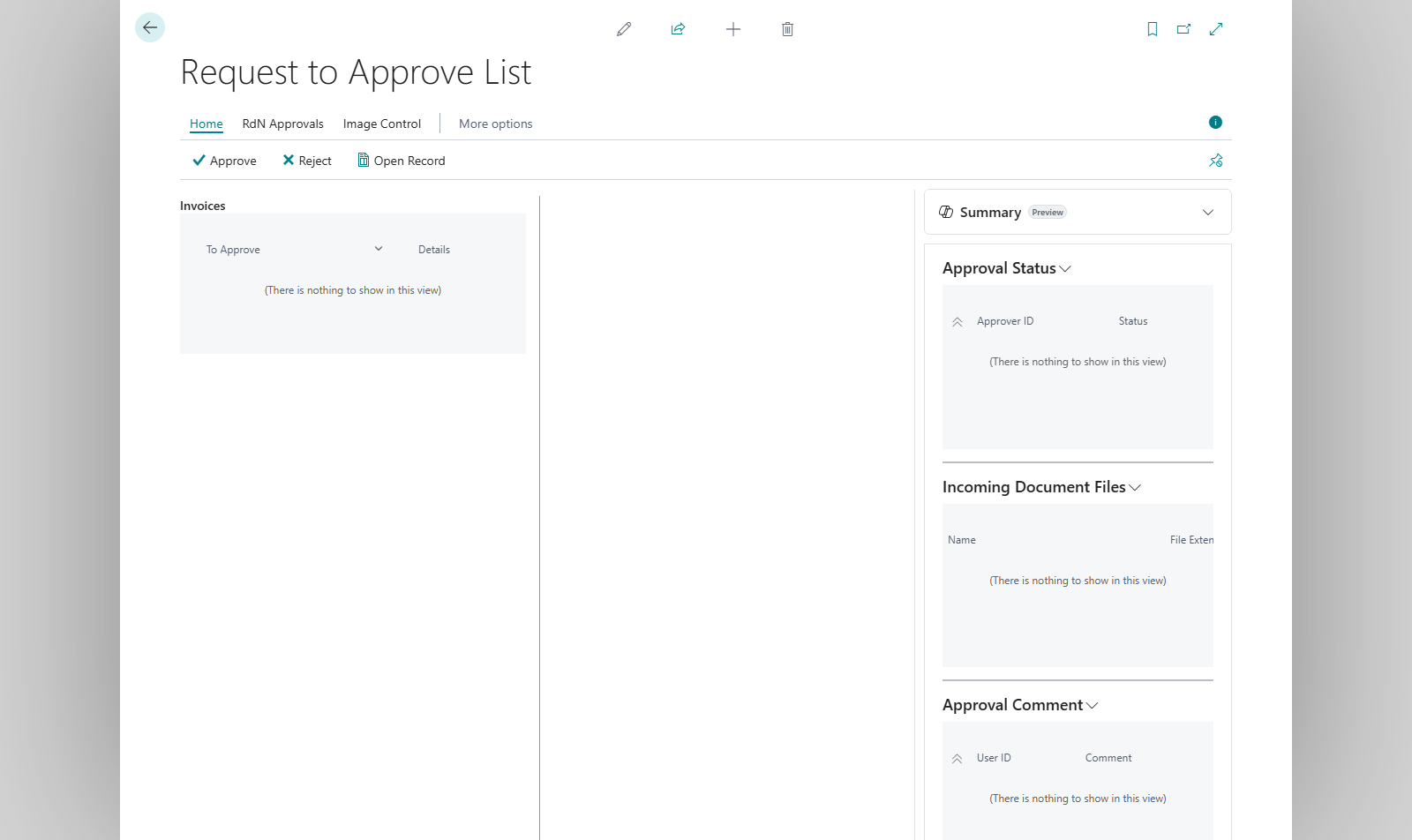
An approver sees the documents waiting for them in Request to Approve List, with an image of the invoice. They can also approve on the Approvals Web, for example on a phone.
Scenario
The purchasing manager at Dæmi ehf. gets an email that an invoice from Prófun hf. is waiting for approval. She looks at the image, sees the amount is correct and approves.
Before you start
- You are in the document's approver group and it is your turn.
- You have the permission set RDN APPROVER.
Walkthrough
-
Open Request to Approve List. By default you only see open requests waiting for you.
-
Select the request. The image of the invoice is shown beside it. Use Next Image and Previous Image to go between images if there are more. Open Record opens the document itself.
-
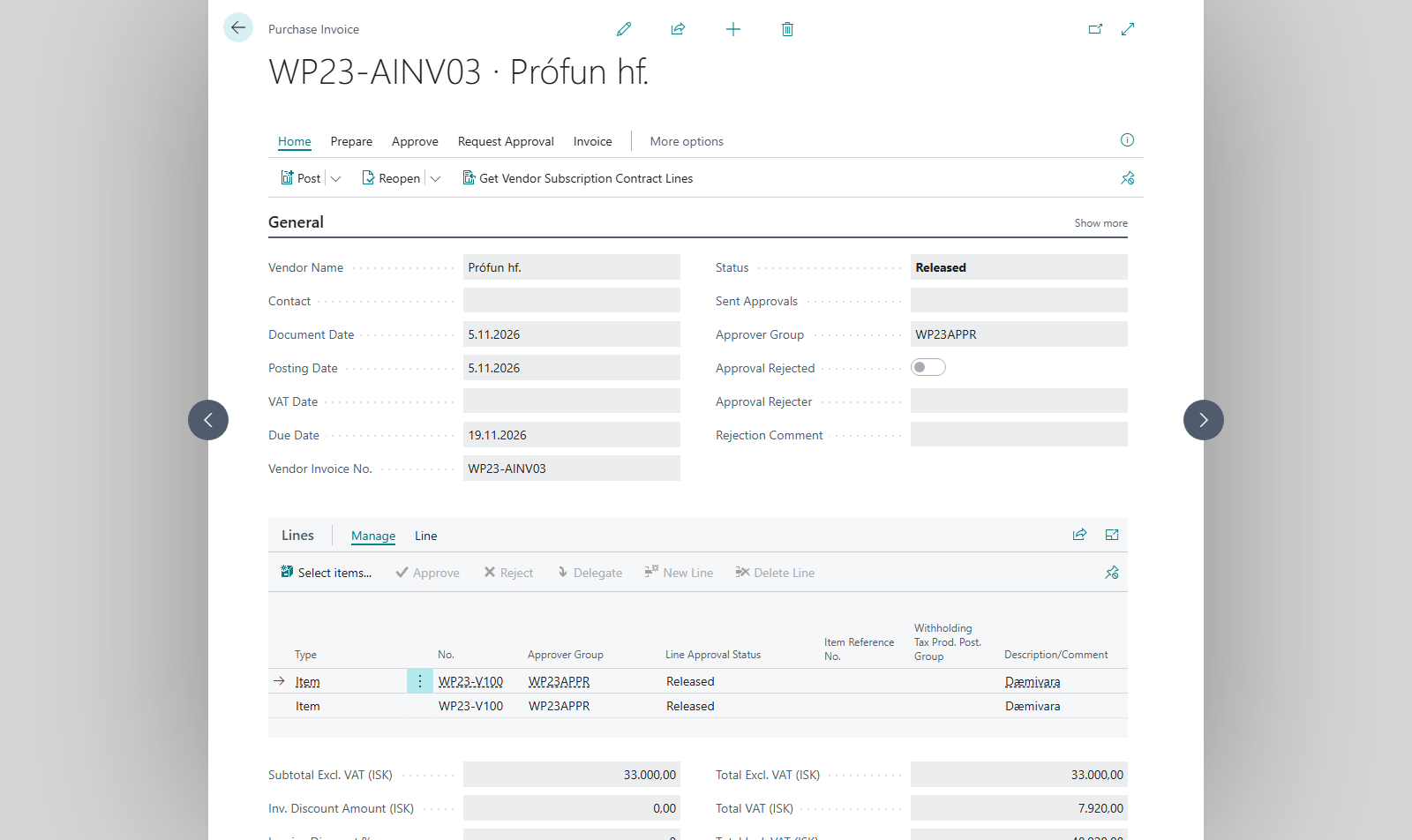
Choose Approve. You can also approve on the document itself.


Result
If you are the last approver, the document is Released and the bookkeeper can post it. The bookkeeper gets an email if Send Email on Accept is on. Otherwise the request goes to the next approver in sequence, Sent Approvals shows who that is and the status stays Pending Approval.
If several approvers have the same sequence number, one approval from them is enough, unless All have to approve is selected. See Approver groups.
What can go wrong
- The request isn't shown. Choose All Requests to also see handled requests, and check in Follow up approvals who is to approve now.
- The image isn't shown. No image is linked to the document, see Create an invoice from a scanned image.
- You aren't the right approver. Delegate the request or reject the invoice.
All messages are in Help.