
Purchase orders for approval
By default only purchase invoices and credit memos go for approval. Companies that want purchases approved before ordering can also send purchase orders for approval.
Scenario
Dæmi ehf. wants the managing director to approve every order before it is sent to Prófun hf. The administrator enables approvals for purchase orders, and the buyer sends orders for approval just like invoices.
Before you start
- Enable Approvals for Purchase Orders is selected in Approval setup. An administrator controls this.
Walkthrough
-
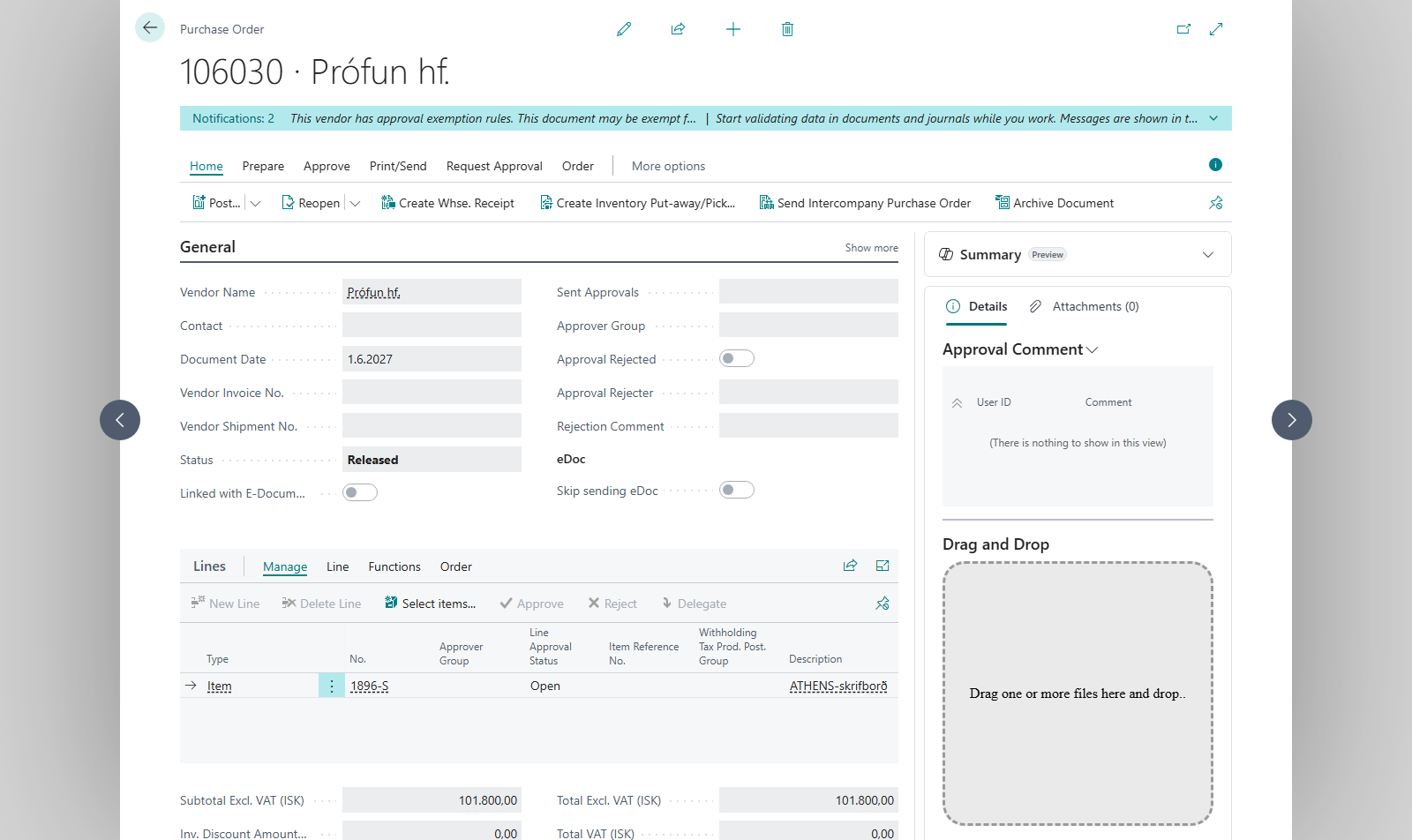
Open the purchase order and choose the Approver Group if it doesn't come from the vendor.
-
Choose Send Approval Request. The process is the same as for invoices, see Send for approval.
-
The approver approves the order in Request to Approve List or on the Approvals Web. Comments are shown in Approval Comment.
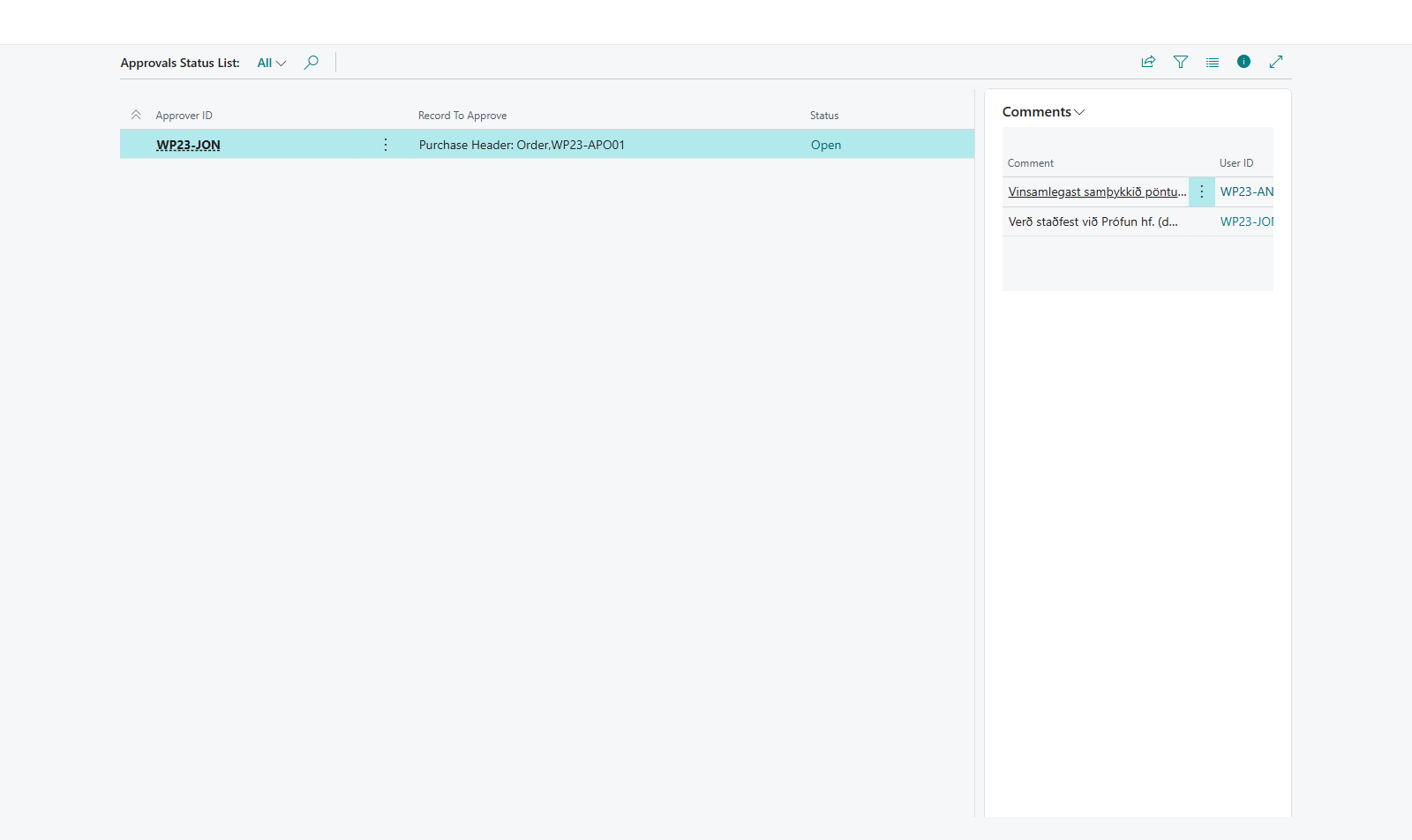


Result
An approved order is Released and can be received and posted. In the Purchase Orders list you can send many orders for approval at once and send reminders.
What can go wrong
- The order was released without approval. Approvals for purchase orders aren't enabled.
- "There are Purchase Orders pending approval. Complete or cancel all Purchase Order approvals before disabling this setting." Complete or cancel those requests first, see Cancel an approval request.
All messages are in Help.