
Follow up approvals
While a document is pending approval you can see where it is, and remind the approver if it takes too long.
Scenario
A bookkeeper at Dæmi ehf. wants to close the month. She opens Approval Request Status, sees three invoices that have waited for a week and sends the approvers a reminder.
Before you start
- The document has been sent for approval, see Send for approval.
- Email is set up if you want to send a reminder, see Email.
Walkthrough
-
On the document, Sent Approvals shows who is to approve now.
-
Choose Latest Approvals to see the approvers of the latest approval request, in order, with the status of each.
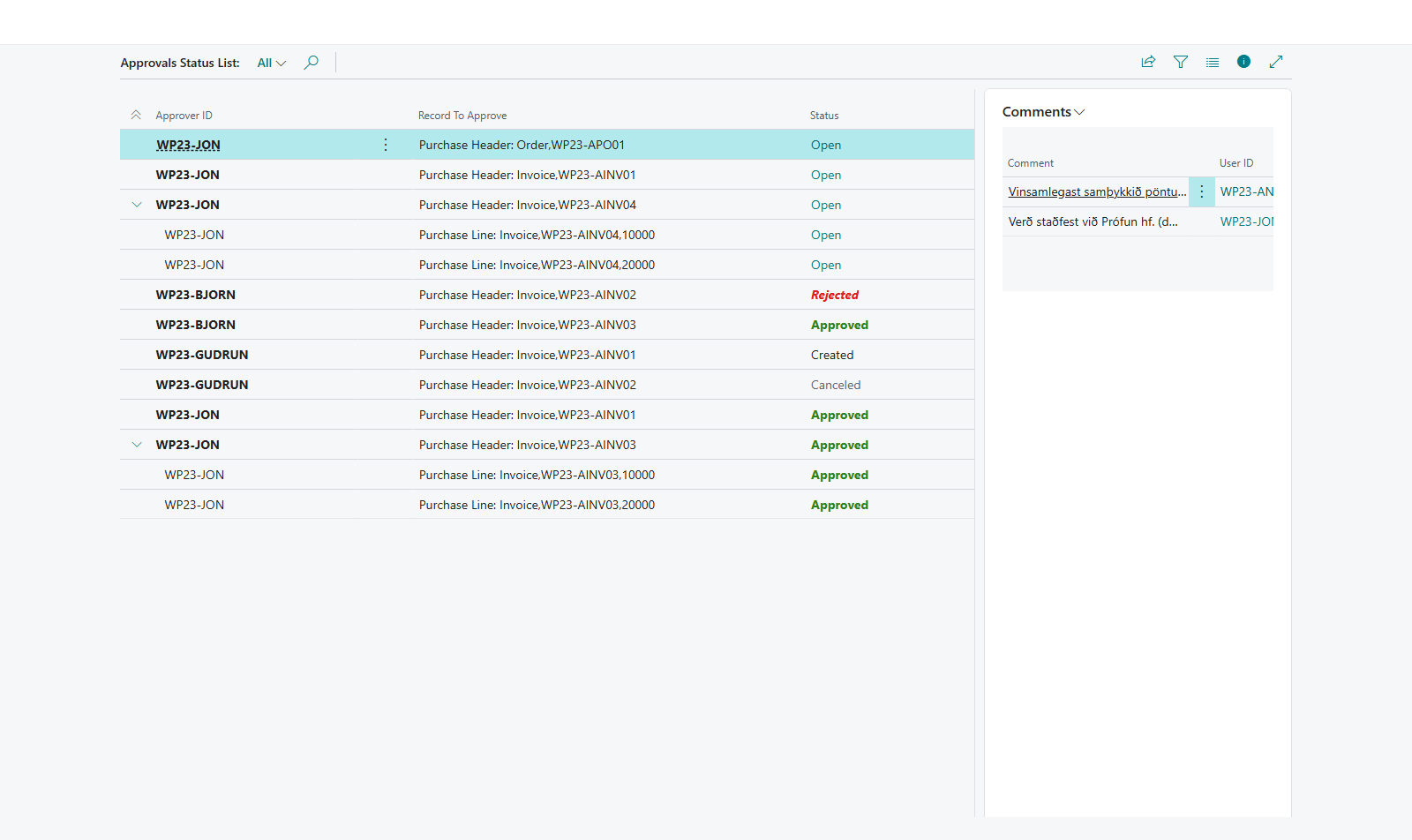
-
Choose Approvals to see all approval entries for the document, including older requests.
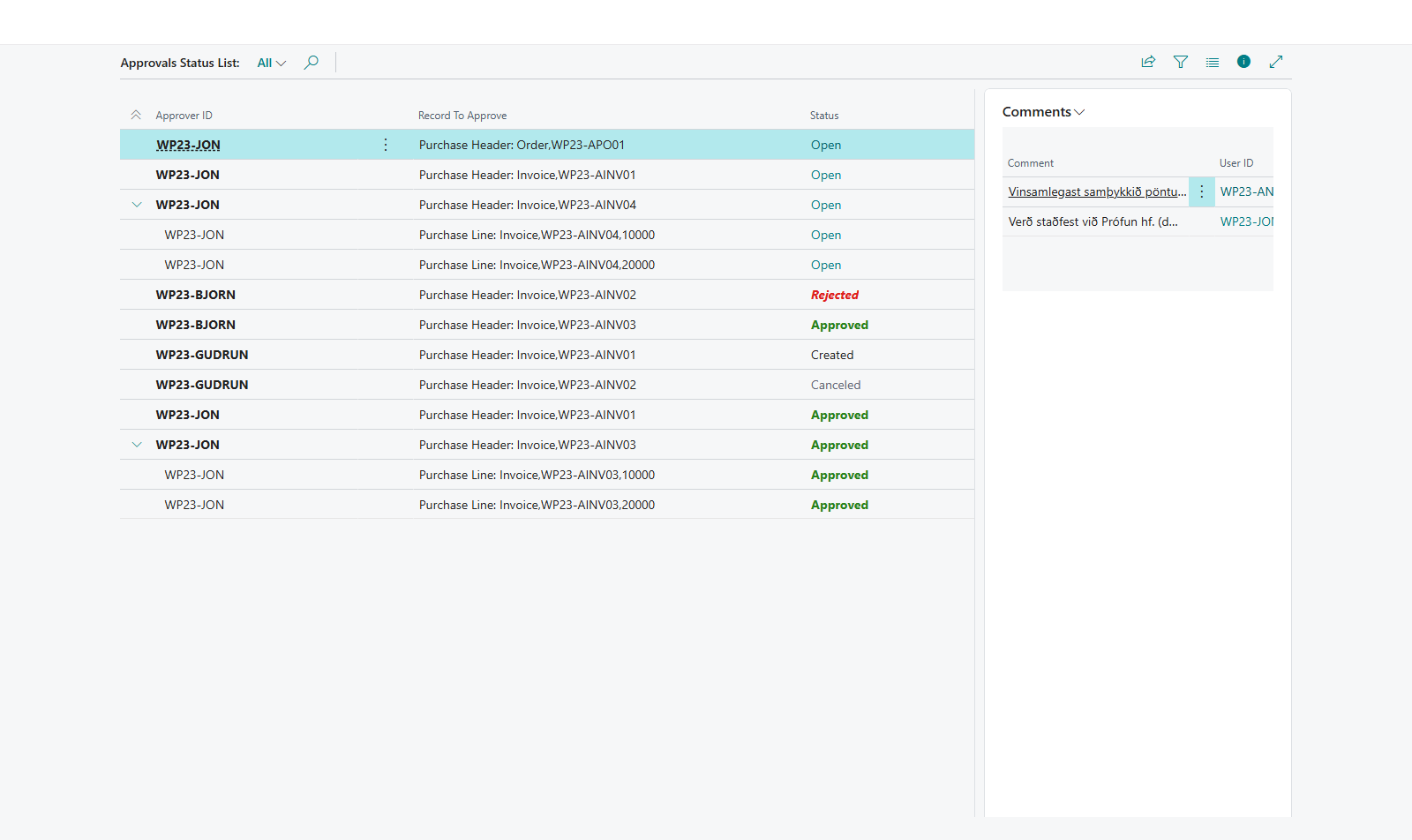
-
To send a reminder, choose Send Reminder Email. Write a comment if you like in Send Approval Reminder and choose OK. In the Purchase Invoices and Purchase Orders lists you can select many documents and send a reminder for all of them. You see %1 reminder(s) sent.
-
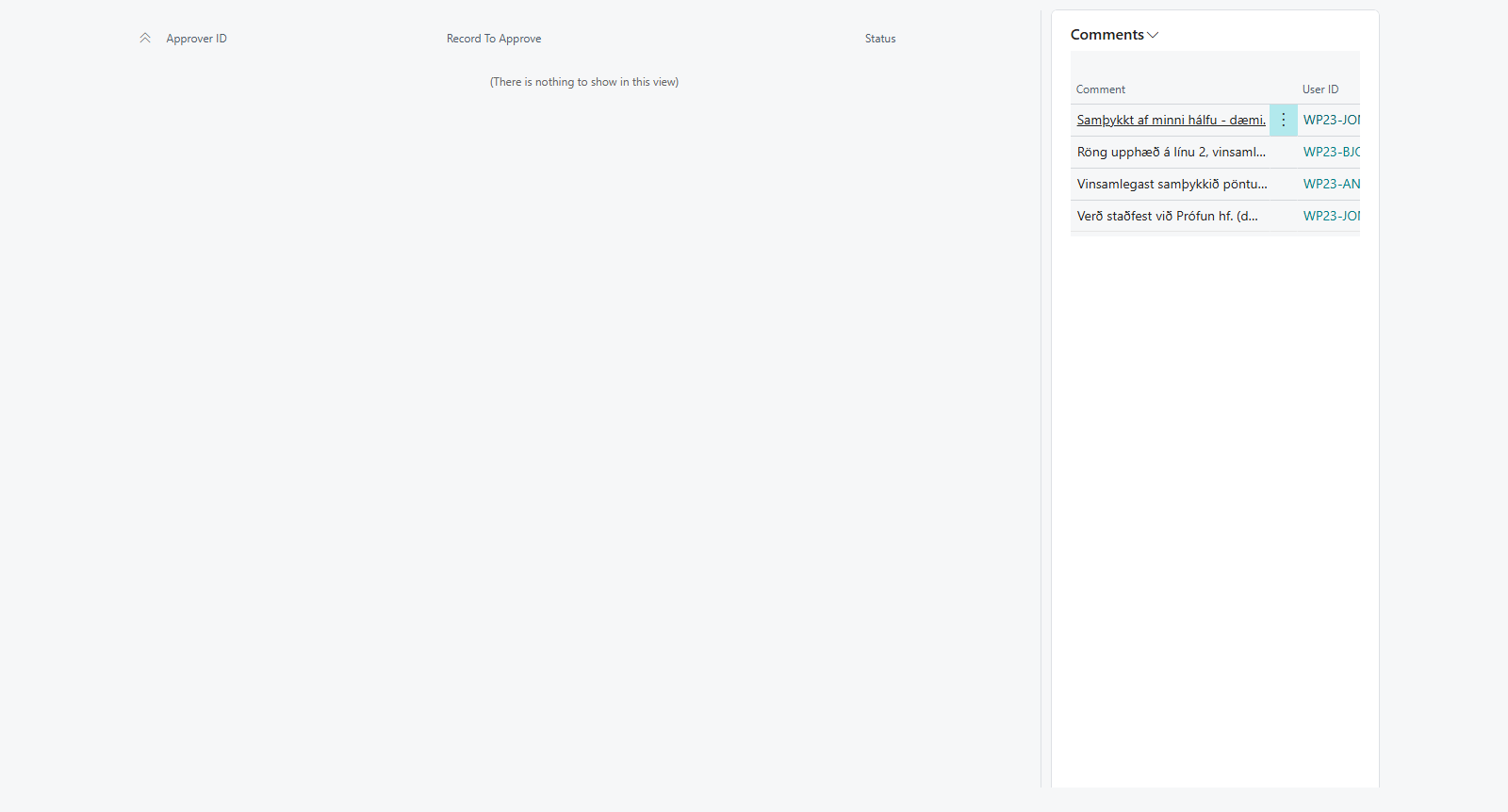
To see all documents pending approval, open Approval Request Status. There you can select documents and choose Send Notification to their current approvers.


Result
You know who still has to approve each document. The reminder goes to the email address of all current approvers with information about the document, your comment and a button that opens the approval on the Approvals Web. The comment is also stored with the approval request.
The system can also send reminders itself about documents that are past their due date, see Email.
What can go wrong
- Send Reminder Email isn't enabled. The document isn't pending approval.
- The number of reminders sent is 0. No open approval entry was found, or the approver has no email address in User Setup.
- Latest Approvals isn't enabled. The document has never been sent for approval.
All messages are in Help.