
Delegate an approval request
If someone else should approve the document, for example because you are going on holiday or the invoice belongs to another department, you delegate the request to them.
Scenario
The purchasing manager at Dæmi ehf. gets an invoice for a repair that belongs to the operations manager. She delegates the request to him instead of rejecting it.
Before you start
- The request is open and waiting for you.
- The new approver exists in Approval User Setup.
Walkthrough
-
Select the request in Request to Approve List and choose Delegate.
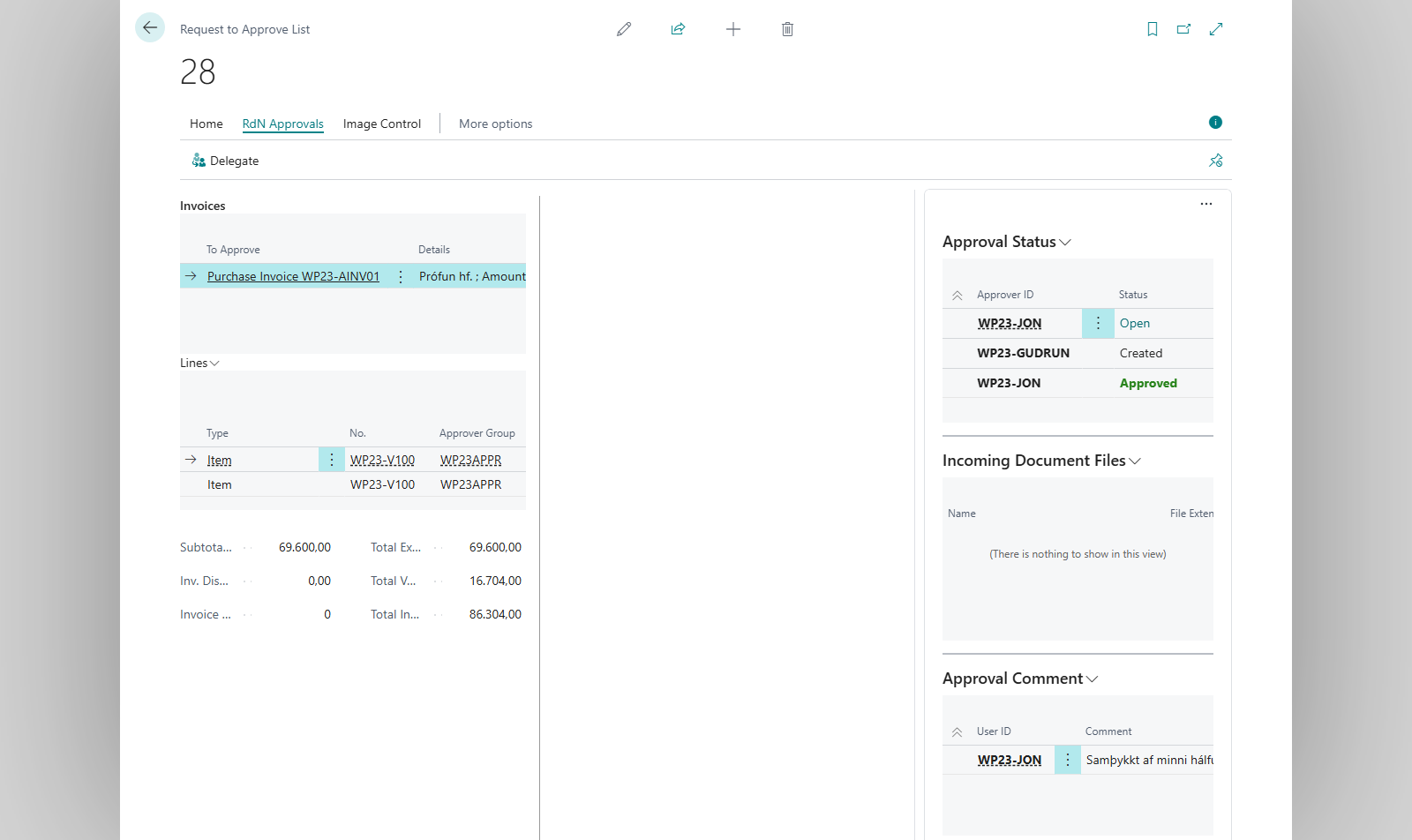
-
A list of users opens. Choose the new approver and OK.

Result
The request disappears from your list and appears for the new approver. They get an email if Send Email on Approval Request is on. With line approvals, all your open lines on the document are delegated together.
What can go wrong
- Approval Request has to be open to be delegated. The request has already been handled.
- You do not have permission to delegate this Approval Request. Only the approver, or an approval administrator, can delegate a request.
All messages are in Help.