
Cancel an approval request
A document that is pending approval can't be changed. If you need to change it, you cancel the approval request, fix the document and send it again.
Scenario
A bookkeeper at Dæmi ehf. sent an invoice for approval to the wrong approver group. She cancels the request, chooses the right group and sends it again.
Before you start
- The document has the status Pending Approval and you sent it for approval.
Walkthrough
-
Open the document and choose Cancel Approval Request.
-
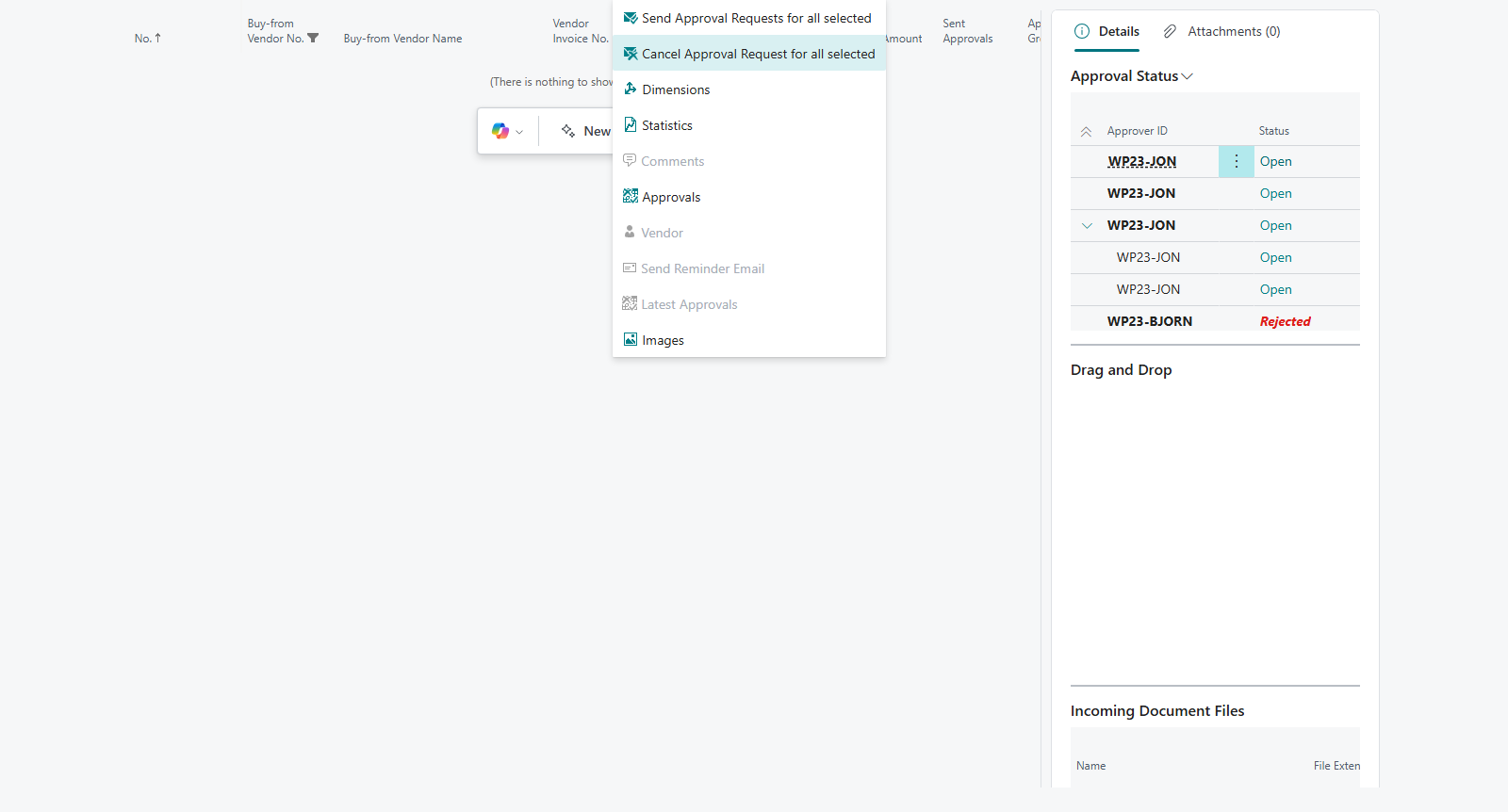
To cancel many at once, open Purchase Invoices, select the invoices and choose Cancel Approval Request for all selected. You see %1 Approval Requests cancelled.
-
Fix the document and send it again, see Send for approval.

Result
The document is Open, open approval entries are cancelled and the request disappears from the approver's list.
What can go wrong
- The action isn't enabled. The document isn't pending approval, or it has already been approved. Open a released document with Reopen.
All messages are in Help.